10 Operations Field-IQ system operations
Boom height control operation
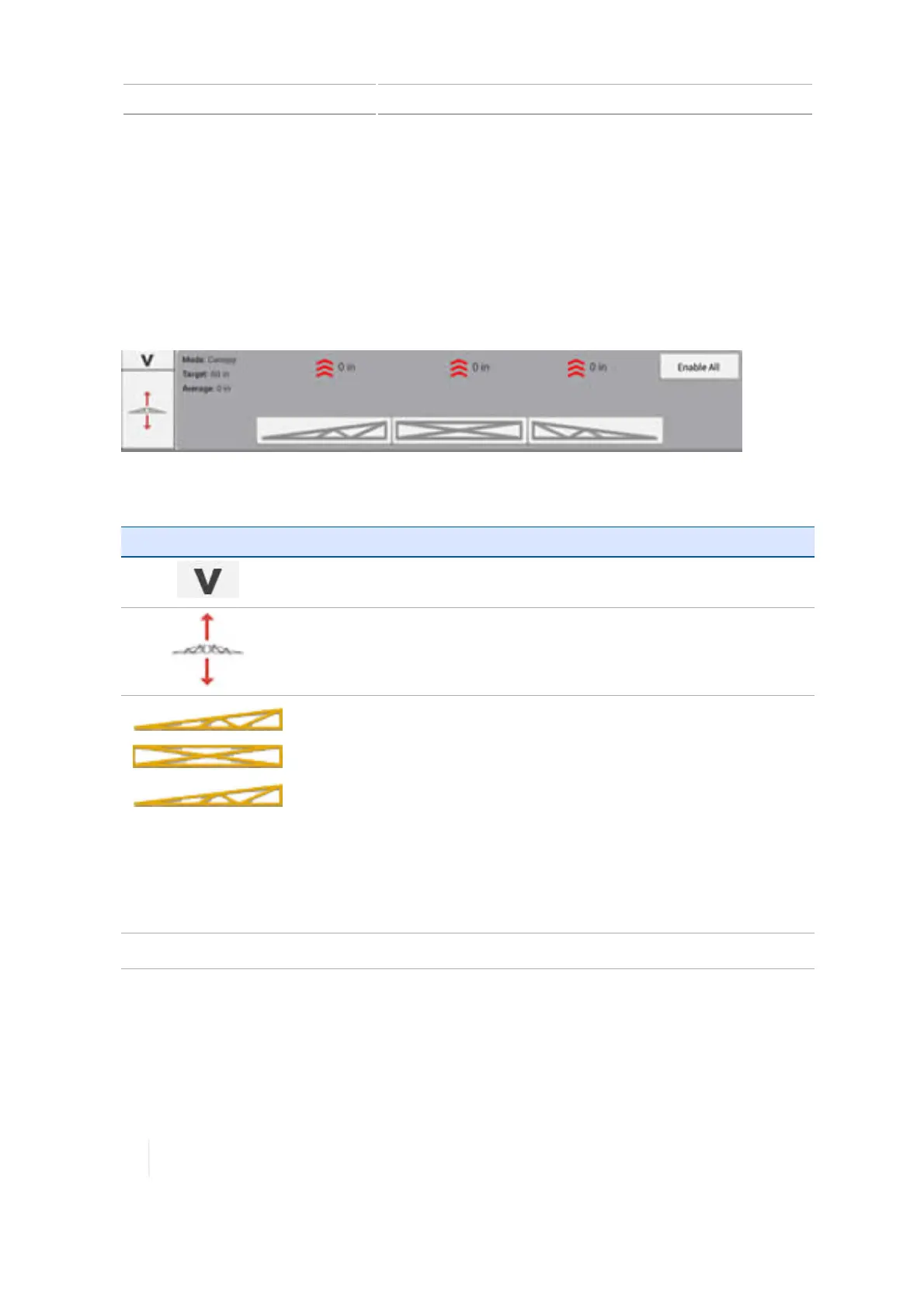
If you have boom height control set up, you can view, enable and engage sections of the boom. The
boom height widget includes indicators and indicator/controls. The process of using the boom
height control is:
1. Enable the boom section(s). This readies the section(s) to be engaged.
2. Engage the boom section(s). The boom height control is engaged.
Buttons and indicators
Button/Indicator Explanation
Tap to collapse the display of the widget.
Tap to switch to the rate control widget, if applicable.
Tap to select the section to engage or disengage. Color indicates state of
system:
l Grey: The boom section cannot be enabled or engaged. Indicator
only.
l Red: System failure or warning/cannot enable or engage the boom
section. Indicator only.
l Yellow: The boom section is ready to engage. Indicator and button.
Can be tapped to engage.
l Green: The boom section is enabled and engaged. Indicator and
button. Can be tapped to disengage and return the state to enabled.
Enable All
Tap to select all boom sections to enable or disable them.
276 TMX-2050 Display User Guide Version 1.075, Revision C



 To Next Page