Field-IQ system operations 10 Operations
Button/Indicator Description
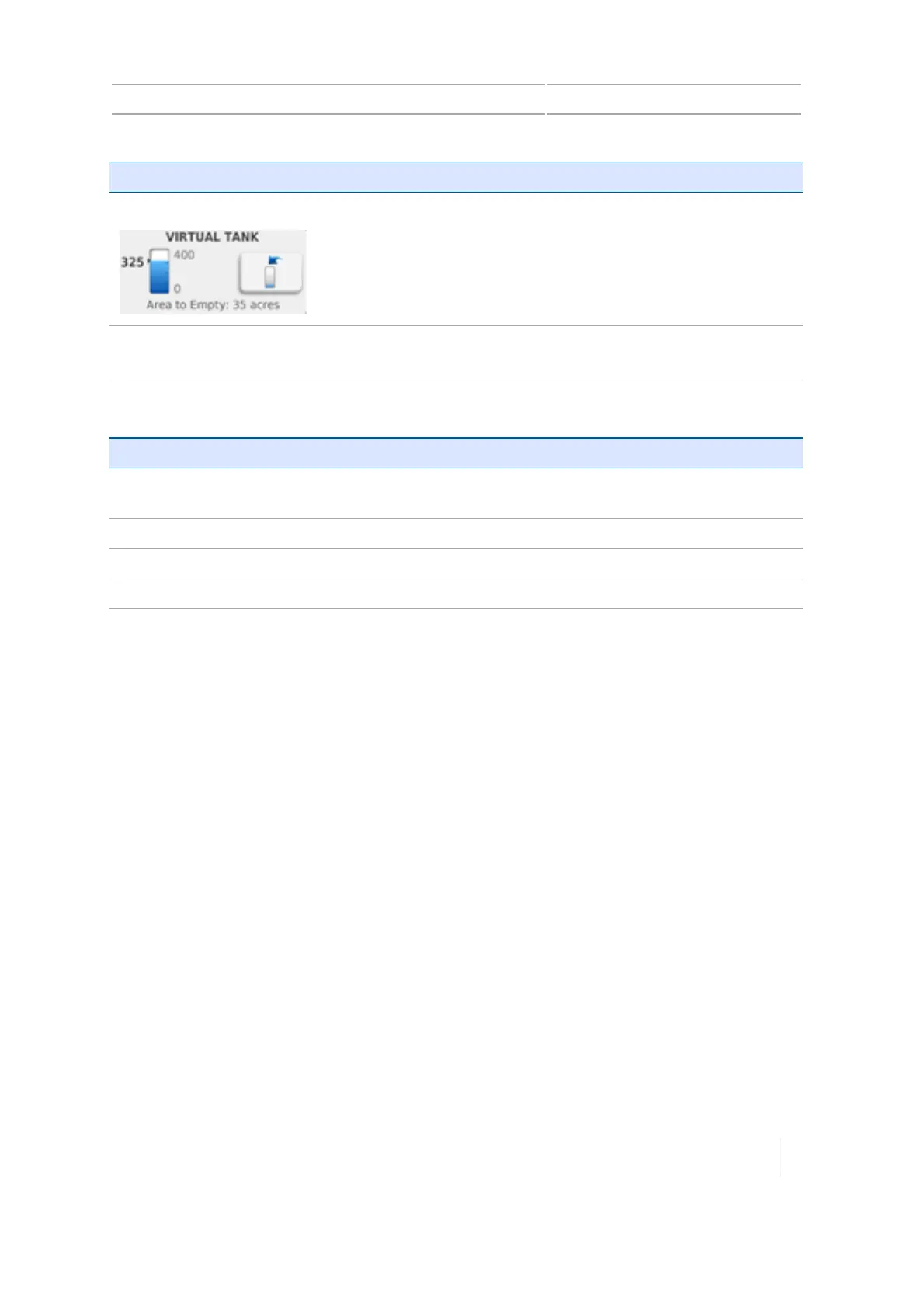
Virtual Tank Visually indicates the amount of material remaining.
Tap the refill tank button to launch the Refill Tank tool.
Area to empty: The number of acres or hectares left before there is
no more material to apply.
Refill tank tool
Tap the appropriate button based on the amount you have refilled
the tank.
For information on: See:
Using switch
boxes
Field-IQ system Master Switch Box, 270
Diagnostics
Field-IQ diagnostics, 311
Settings
Rate control, 202
,
Virtual tank/bin, 206
Prescriptions
Prescriptions Manager, 66
,
Importing prescriptions, 223
Version 1.075, Revision C TMX-2050 Display User Guide 275



 To Next Page