Components 4 Installation
TMX-2050 display
CAUTION – Do not press on the screen with a sharp item, such as a pencil. You may damage the surface of the
screen.
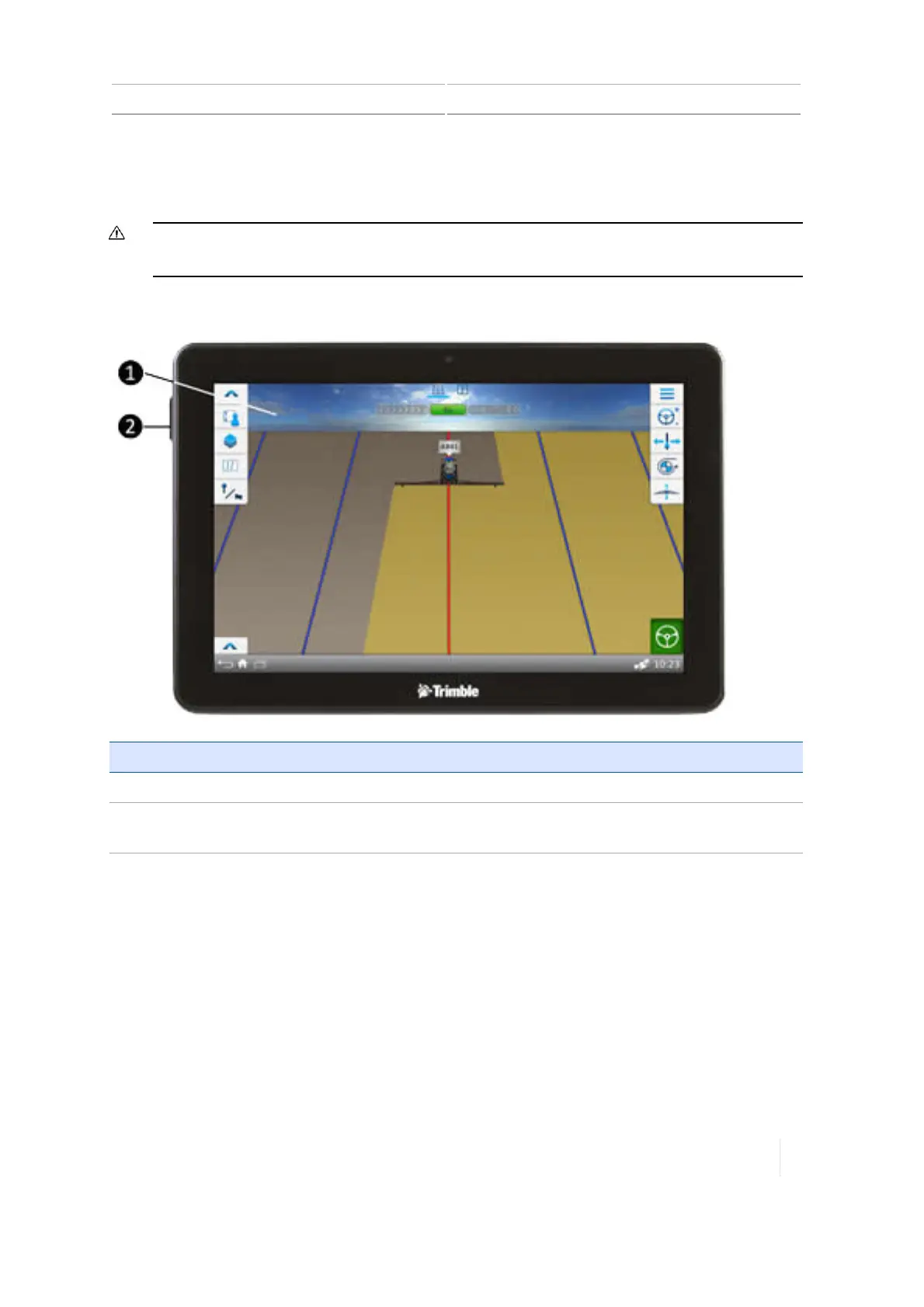
Front view
Item Description
1 12" touch-sensitive screen
2 Port: USB (side with cover). Socket for USB drive to transferring data to and from the
TMX-2050 display. See
Data transfer, 67
and
USB socket, 74
.
Version 1.075, Revision C TMX-2050 Display User Guide 95



 To Next Page