Layers 10 Operations
Layers
The following map layers for coverage are recorded for each task:
l Coverage Overlap
l Speed
l Height
l GPSQuality
l Offline Distance
l Guidance Engaged
l Applied Rate
You can view and edit layers. See:
l View coverage layers, 267
l Edit a coverage layer, 268
View coverage layers
To view a layer of coverage during field operations:
1.
Make sure you are logging coverage. You will see the coverage in the Run screen behind your
implement if coverage logging is on.
To turn on coverage logging, tap . Or, if you already have automatic coverage logging when
you engage, tap the engage button.
See Mapping settings, 83 to set automatic coverage logging.
2.
Tap .
3.
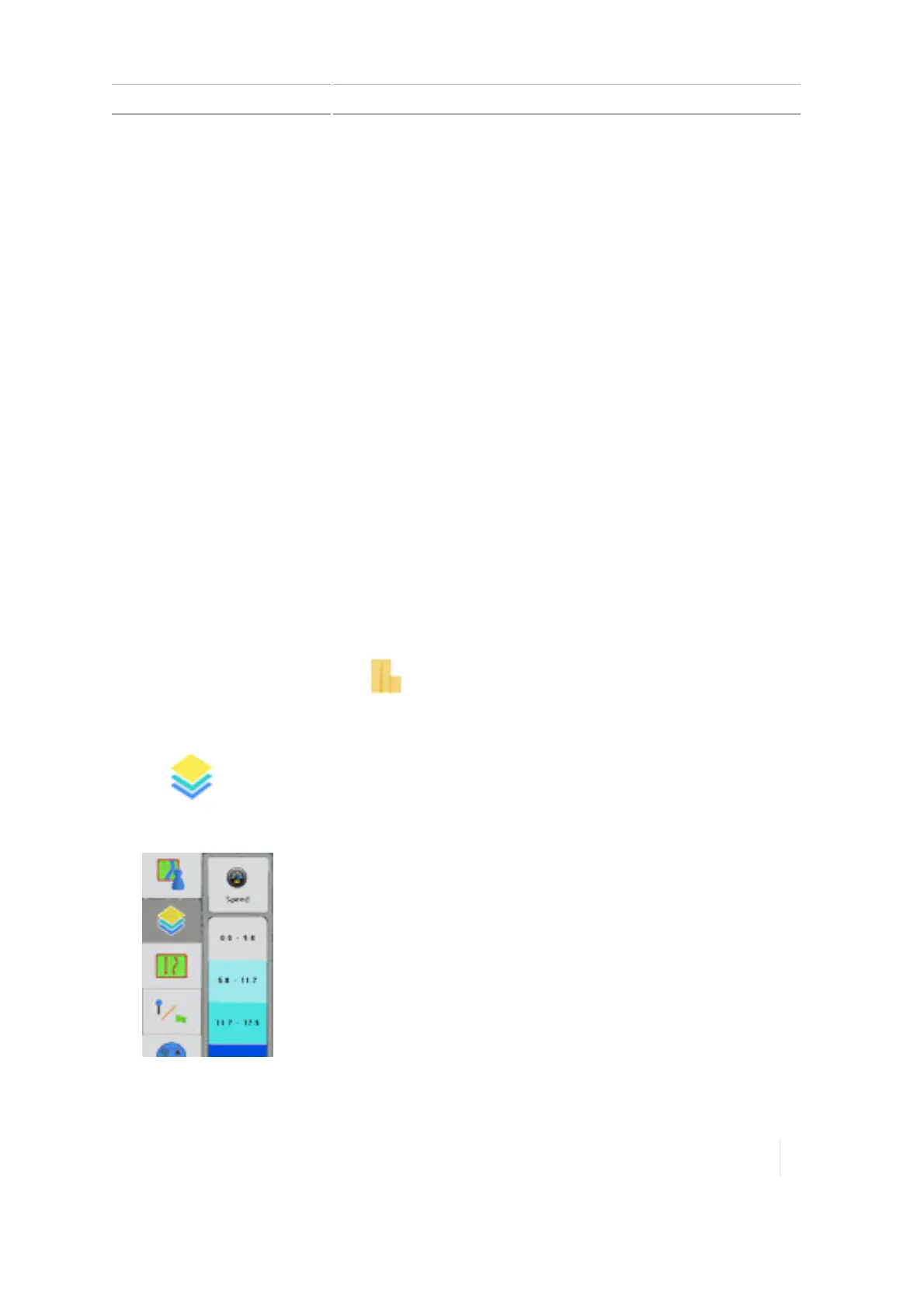
The current layer being shown slides out to the right.
Version 1.075, Revision C TMX-2050 Display User Guide 267



 To Next Page