10 Operations Guidance patterns
7.
Exit the Field Manager by tapping Exit.
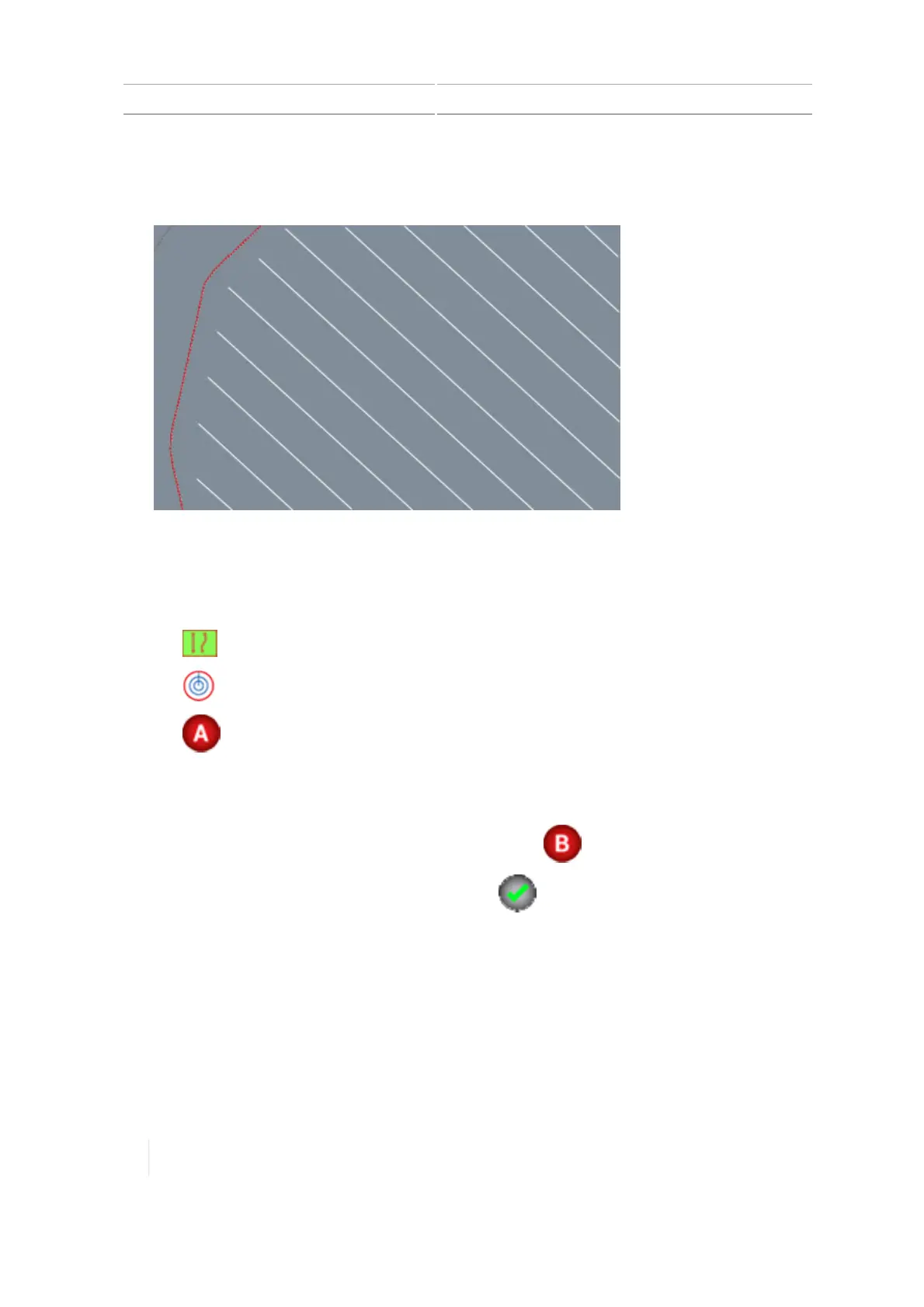
The new infill pattern will show in the inner boundary of the headland.
Pivot pattern creation (Run screen)
1. Enter the field where you want to create the pivot. (See Preparing for operation, 234.)
2.
Tap . The pattern buttons display.
3.
Tap .
4.
Tap and begin driving the outer perimeter of the field. The display:
ll Marks your starting point on the map, at the vehicle's location when you tapped record.
l Shows the recorded path with a dashed line.
5.
Drive at least 50 feet on an outer tower rut and then tap .
6.
Enter the distance to the Pivot Field Edge and tap .
7. When finished, the display:
ll Saves the pivot pattern with a unique name (for example, P01).
l Generates a pivot boundary based on the recorded path and the width of the implement.
The pivot boundary is saved with a unique name related to the headland (for example, P01
Boundary).
l Makes the pivot boundary active.
258 TMX-2050 Display User Guide Version 1.075, Revision C



 To Next Page