ISOBUS 10 Operations
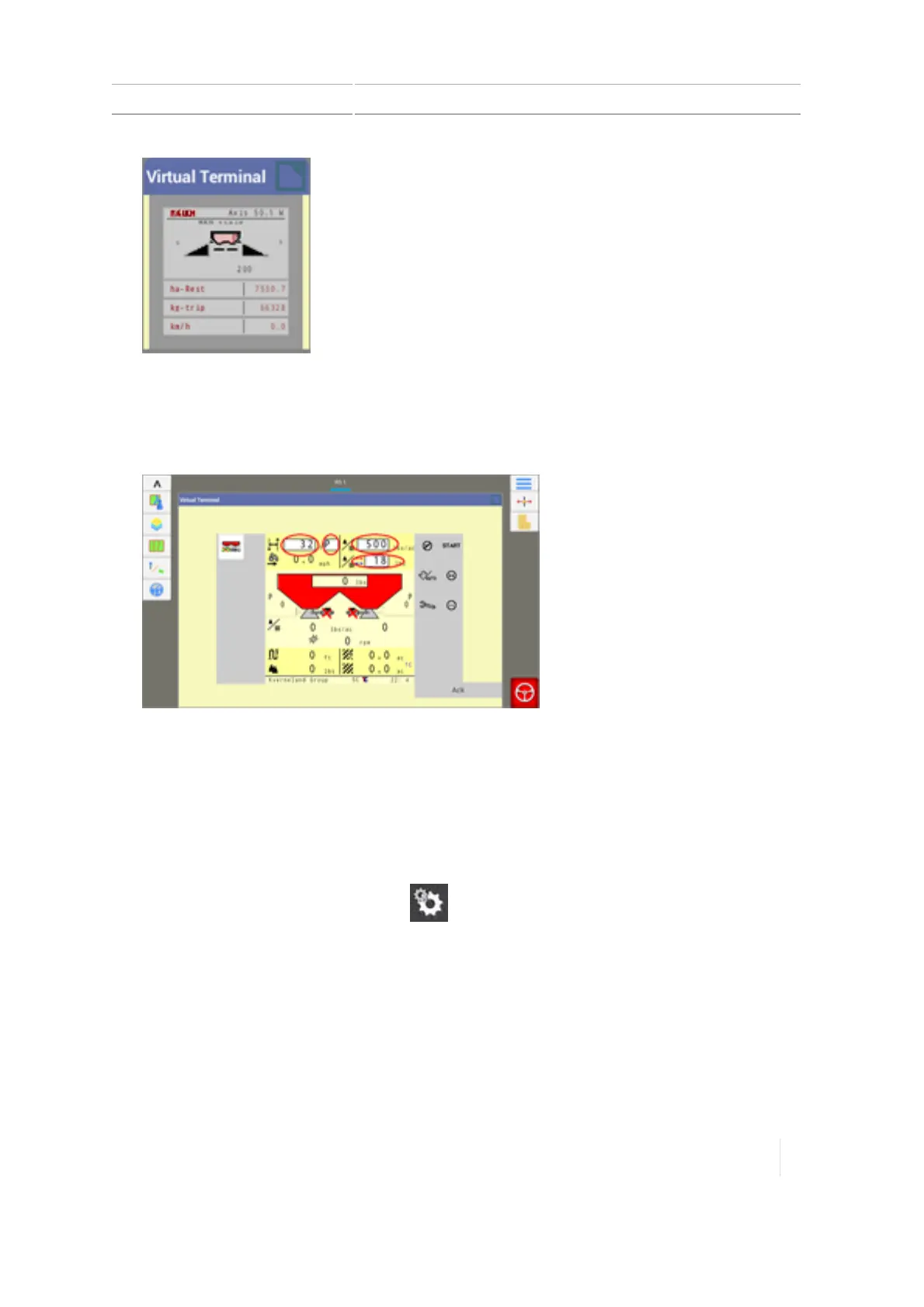
To increase the size of the minimized VirtualTerminal widget, touch the upper right corner of
the widget and hold. Arrows display on all sides of the widget.Touch and drag an arrow to
increase the widget's size.
3.
Tap the upper right corner of the Virtual Terminal widget to maximize it. The Virtual Terminal
expands to full screen.
At the full-screen view, you can control the implement using Virtual Terminal.
4. To minimize Virtual Terminal to only show data, tap the upper right corner.
Delete previous data
Data loaded from previously used ECUs will take up storage space. To remove this data from the
TMX-2050 display:
1.
At the maximized Virtual Terminal, tap .
2. Tap Delete.
3. All previous data is removed.
Version 1.075, Revision C TMX-2050 Display User Guide 285



 To Next Page