Field Manager 2 Display basics
Field Manager
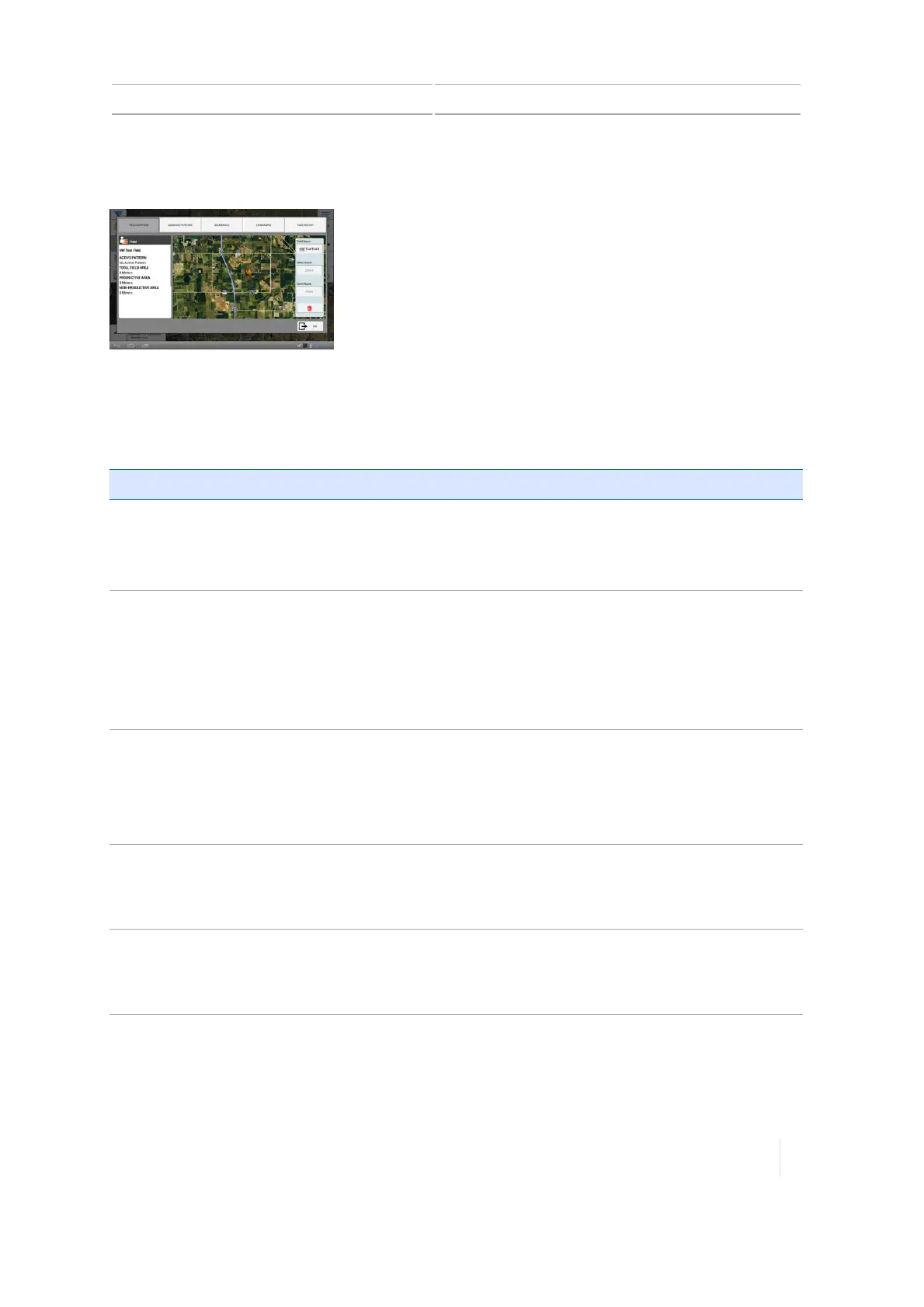
At the Field Manager, you edit and refine elements in and associated with each field.
The Field Manager shows information directly associated with the field you have selected and
enables you to perform functions listed in the following table.
Note – Add and select a field before entering Field Manager. See Add a field, 181 and Select a field,
182.
Section Functions Available
Field Overview
See Field overview buttons,
62.
l Rename the field, client and farm.
l
Delete the field.
See Edit a field (Field Manager), 184.
Guidance Patterns
See Guidance pattern
buttons, 62.
l Activate or deactivate lines and patterns.
l Shift a line.
l Adjust the radius of a pattern.
l
Resize a shape (other than pivot shape).
See Guidance patterns, 246.
Boundaries
See Boundary buttons, 63.
l Activate or deactivate a boundary.
l Resize a boundary.
l
Rename a boundary.
See Boundary editing (Field Manager), 249.
Landmarks
See Landmark buttons, 64.
l Edit, delete or rename a landmark.
l Change the category that a landmark is assigned to.
l
See Landmark editing (Field Manager), 265.
Task History
See Task history buttons,
65.
l Start a new task.
l Rename a task.
l
See Tasks, 238.
Access Field Manager
You can access the Field Manager from either the Home or Run screen.
Version 1.075, Revision C TMX-2050 Display User Guide 61



 To Next Page