2 Display basics Run screen
Button Tap to...
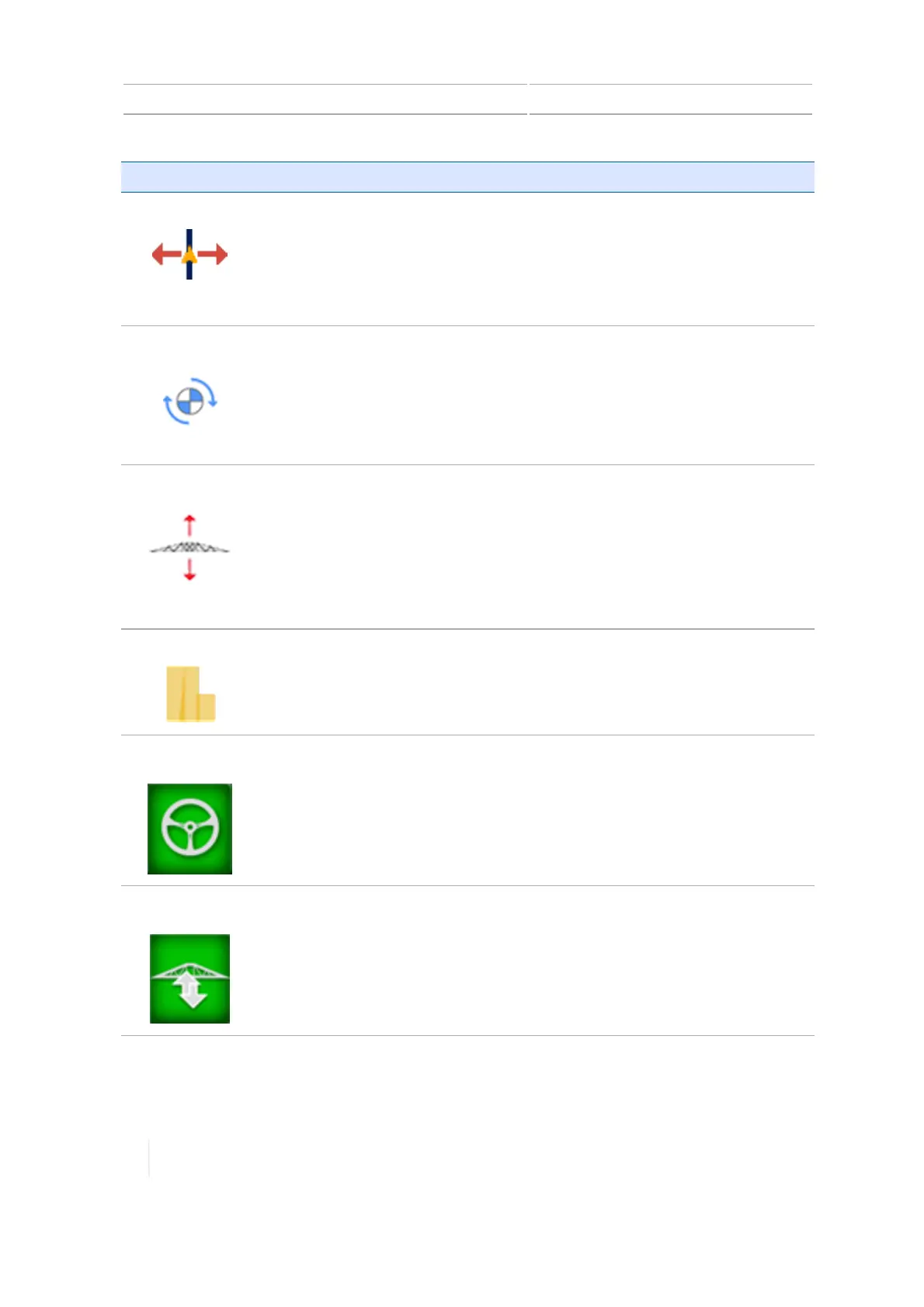
Adjust Guidance
View options to adjust:
l Nudge
l Re-mark
l Implement Draft Correction
See Guidance pattern adjustment (Run screen), 260.
Adjust Rate
Control
View options to adjust:
l Actual and Target Rate
l Status of Rate Channel
l Sensor Status
See Rate control adjustments, 274.
Adjust Boom
Height
View options to adjust the boom height:
l Target Height
l System Aggressiveness
l Ground or Canopy
l Sensors
See Boom height adjustments, 278.
Logging
Begin logging your field activity, such as coverage.
See
and Mapping settings, 83
.
Engage Auto
Guidance
Engage your auto guidance system.
See Vehicle operation, 242.
Engage Boom
Height
Engage your boom height system.
See Boom height control operation, 276.
60 TMX-2050 Display User Guide Version 1.075, Revision C



 To Next Page