Main views 2 Display basics
Main views
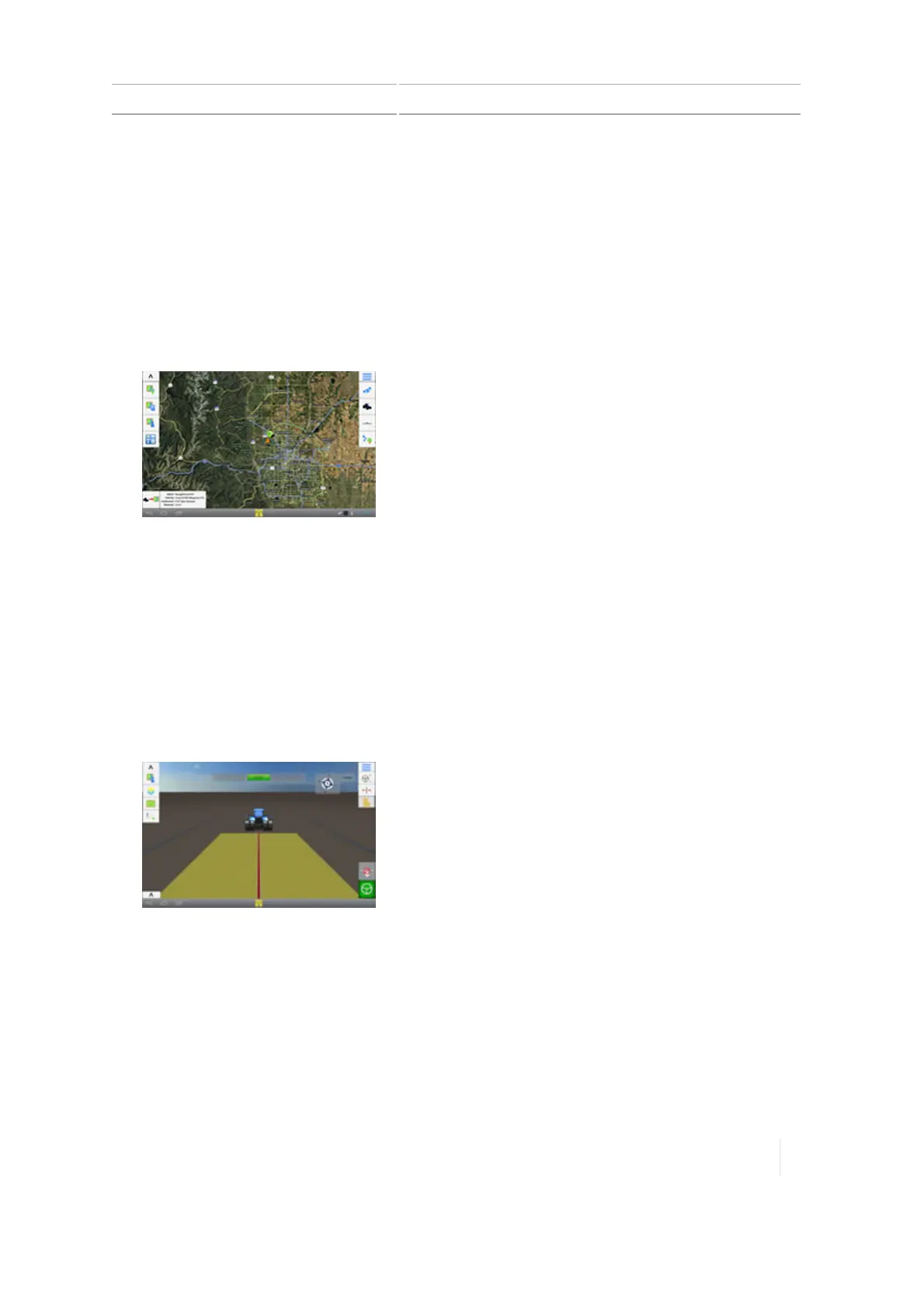
The TMX-2050 display has different screens for your work.
Home screen
The Home screen, 54 is primarily for setting up, including:
l Adding fields
l
Creating, setting up and calibrating vehicles, implements and materials
Run screen
At the Run screen, 56, you:
l Perform field activities
l Create guidance mapping elements (boundaries, guidance patterns, and landmarks)
l Make adjustments to steering guidance, and rate and section control
l
Log coverage
Field Manager
At the Field Manager™ (Field Manager, 61), you:
l Activate the guidance mapping elements you want to follow
l Edit and refine guidance mapping elements
Version 1.075, Revision C TMX-2050 Display User Guide 49



 To Next Page