10 Operations On-screen widgets
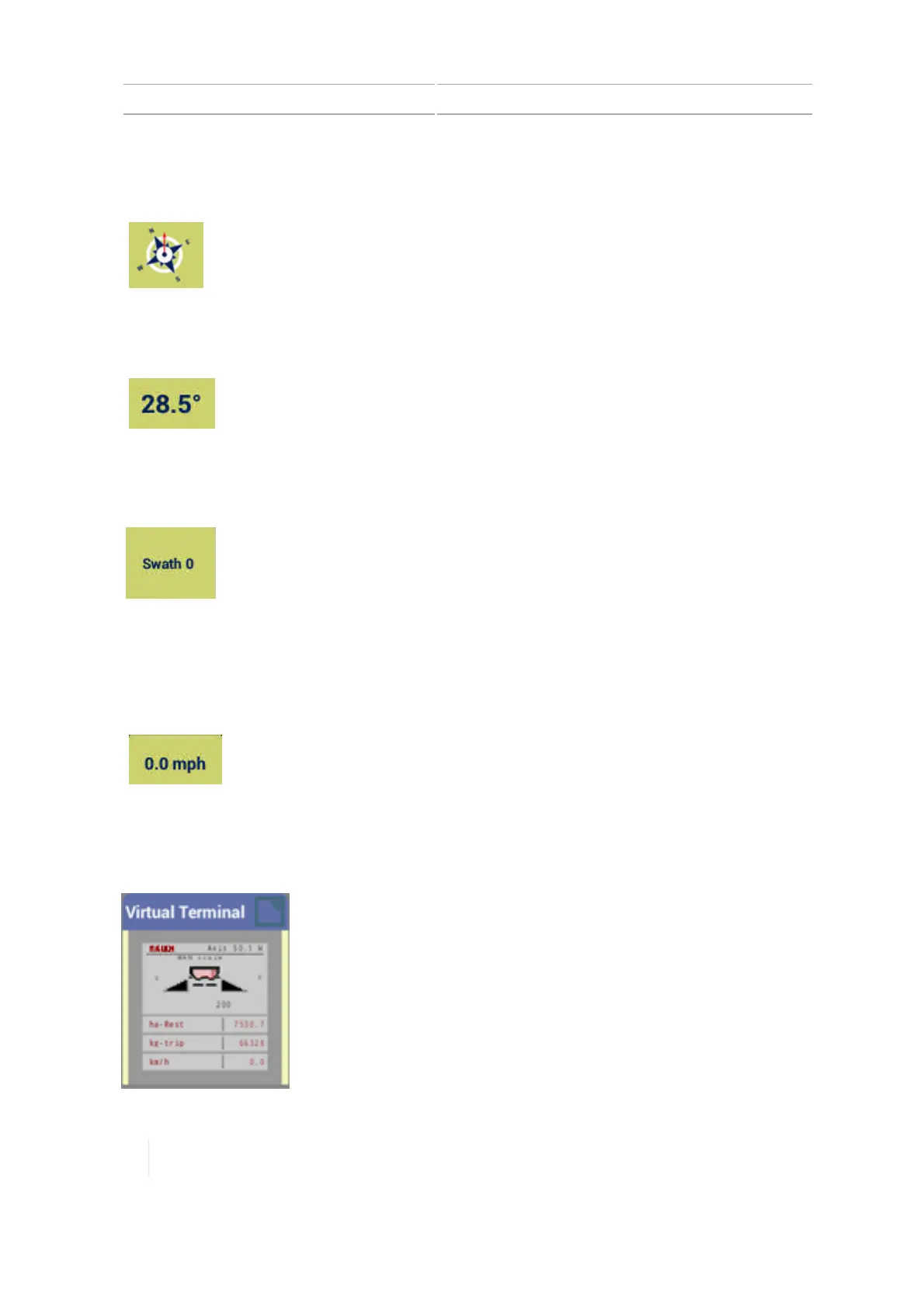
Compass
The direction in which you are traveling.
Digital compass
The degrees of the angle you are traveling.
Swath number
The number of the swath guidance line you
are currently following.
Speed status
The speed status widget indicates the speed at which you are traveling.
The speed at which you are traveling.
Virtual Terminal widget
When using Virtual Terminal, initially the minimized version displays on the Run screen.
290 TMX-2050 Display User Guide Version 1.075, Revision C



 To Next Page