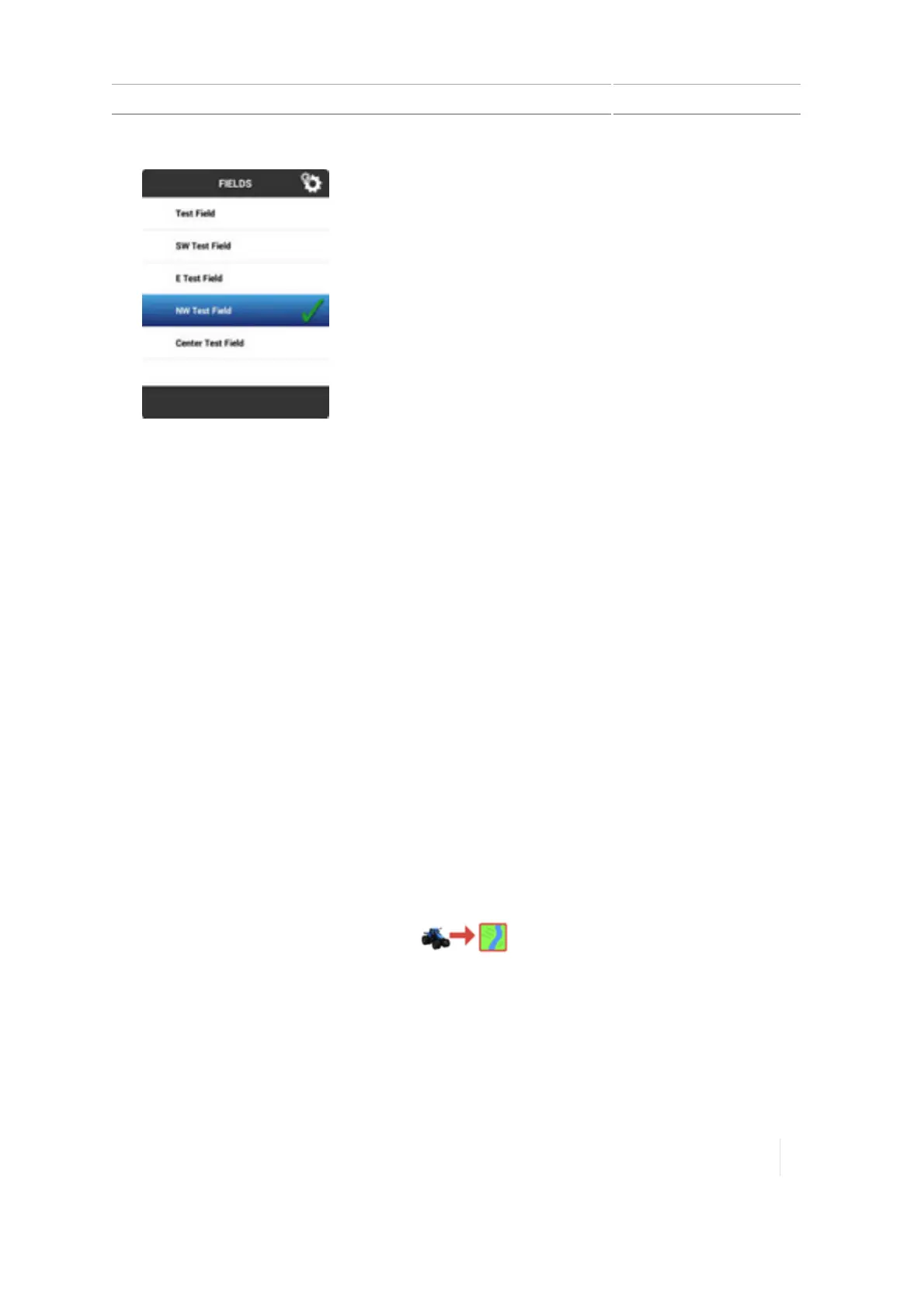
Enter a field (Run screen) 7 Fields
Note – A field that has a check mark but is NOT highlighted is a previously selected field.
Enter a field (Run screen)
Before you can enter a field in the Run screen, you must:
l Set up a positioning service that is working. See GNSS receiver settings, 116.
l Set up a vehicle. See Vehicle setup, 140.
l Select a vehicle, 145
l Implement setup, 188.
l Select an implement, 189.
l Add a field, 181.
l Select a field, 182.
Choose a field to enter
You can enter a field you currently have selected or one that is not currently selected.
Currently selected field
To enter a field that is currently selected, tap . The Run screen displays.
Field not currently selected
To enter a field not currently selected:
Version 1.075, Revision C TMX-2050 Display User Guide 183



 To Next Page