Prescriptions 8 Implements
Prescriptions
The information in a prescription is used to send target rates to the variable rate controller. Applied
rates are received from the controller, and both target and applied rates appear on the screen. With
prescriptions functionality, you can:
l Transfer one or more prescription files to or from the TMX-2050 display (import or export)
l Assign a prescription to a channel
l Use a prescription to determine the rates to be applied in different areas of a field
For information on: See:
Prescriptions Manager
Prescriptions Manager, 66
Import prescriptions
Importing prescriptions, 223
Export prescriptions
Exporting prescriptions, 223
Assign a prescription
Assign a prescription, 280
Use a prescription
Use a prescription, 281
Importing prescriptions
Note – If you are using USB to import, make sure your USB drive has the AgGPS folder on the root,
and the prescription files are in this folder.
You can import prescription files using:
l USB
l Office Sync
1. To transfer one or more prescriptions to the TMX-2050 display, follow the steps at Data
transfer, 67.
2. When transferring using USB, at the USB list on the left side of the data transfer panel, you can
select the entire prescriptions folder or individual files within the folder.
3.
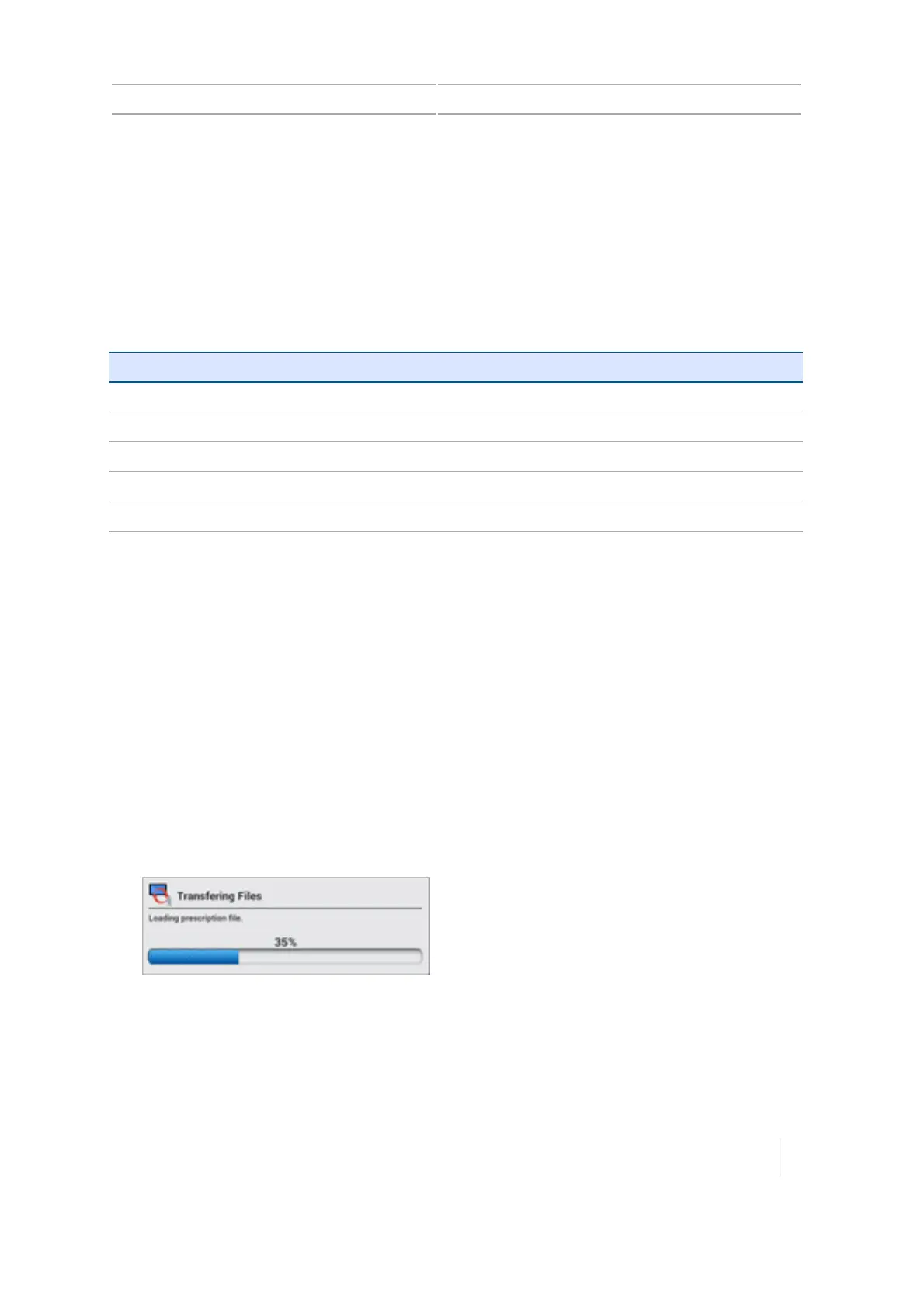
During the transfer, the TMX-2050 display shows the progress of the transfer.
Exporting prescriptions
Note – If you are using USB to export, make sure your USB drive has the AgGPS folder on the root.
You can export prescription files from the TMX-2050 display using a USB drive. See Data transfer, 67.
Version 1.075, Revision C TMX-2050 Display User Guide 223



 To Next Page