4 Installation Components
Item Name Explanation
1 14 pin AMPSEAL connector Socket for power and inputs (Port B)
2 12 pin DEUTSCH connector Socket for inputs (Port A)
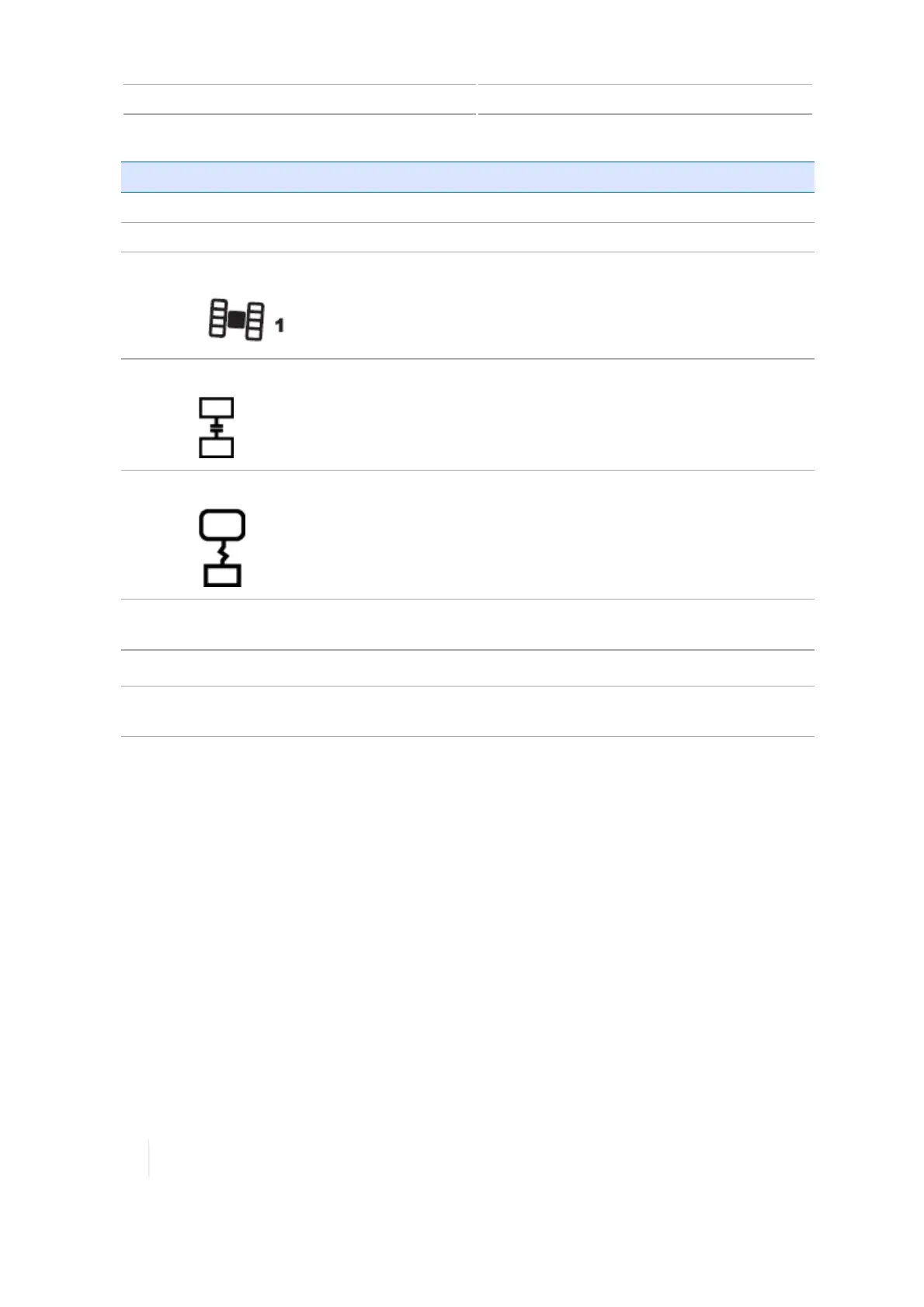
3
AG-25 GNSSantenna connector
Socket for connecting to the AG-25 GNSSantenna
4
8 pin AMPSEAL connector
Socket for Ethernet cable to connect to DCM-300
modem.
5
8 pin AMPSEAL connector
Socket for connecting to the TMX-2050 display
6 Screws and end cover plate Unscrew and remove end cover plate to expose the
AG-815 radio expansion slot.
7 10 amp fuse
Protect components from power surges
8 Radio expansion slot Socket for AG-815 integrated radio connector. (See
AG-815 integrated radio, 99
.)
DCM-300 modem
The DCM-300 modem is available in two models for use on Global System for Mobile
Communications (GSM) cellular networks, such as AT&T, or Code Division Multiple Access (CDMA)
cellular networks, such as Verizon.
The DCM-300 modem enables you to use:
l Correction services CenterPoint RTX™ and CenterPoint VRS™ as well as third-party network RTK
corrections
l Data transfer for Office Sync / Connected Farm Office Sync setup, 130
l Cellular data plans (USA only)
l Global GSM cellular networks
l WiFi signals as applicable
98 TMX-2050 Display User Guide Version 1.075, Revision C



 To Next Page