10 Operations Field-IQ system operations
Boom height adjustments
To adjust boom height while performing field activities, at the Run screen, tap . The boom
height adjustment buttons display.
Button/Indicator Description
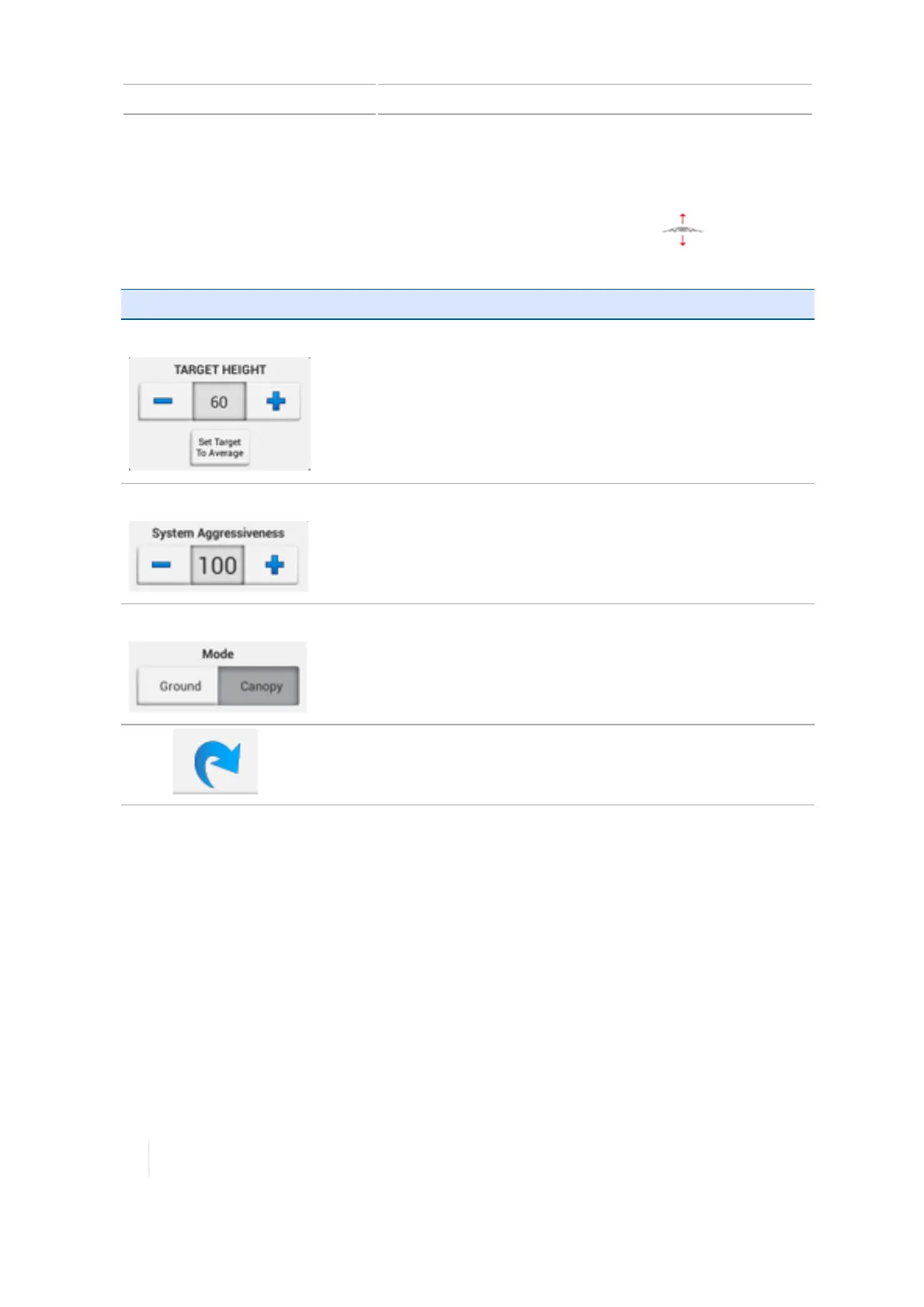
Target Height Increase or decrease height of boom by using plus or minus signs. Or
enter the value by tapping on the number
Tap Set Target to Average to set the target height to an average.
System Aggressiveness
Increase or decrease the aggressiveness of lowering or raising the
boom by tapping the plus or minus signs. Or enter the value by
tapping on the number and entering a different number.
Mode
Tap either
Ground
or
Canopy
to change the mode.
Tap to see more detail on boom height control.
278 TMX-2050 Display User Guide Version 1.075, Revision C



 To Next Page