Field-IQ system operations 10 Operations
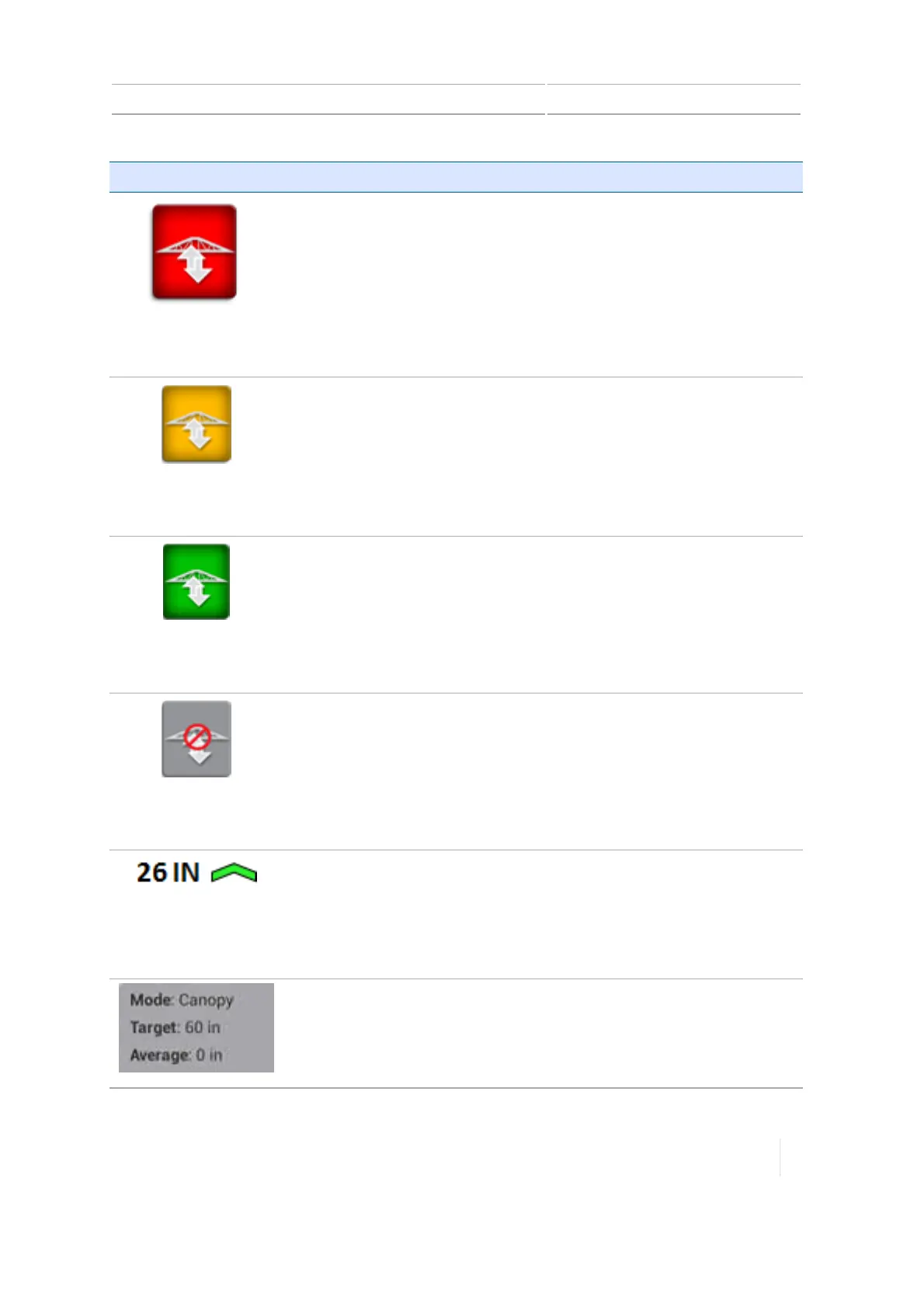
Button/Indicator Explanation
(red)
Cannot Engage
Red background:Indicator only. Cannot engage the boom(s) to adjust
boom height of the enabled sections.
(yellow)
Ready to Engage
Yellow background:Ready to engage the boom(s) adjust the sections of
the boom you have selected.Tap to engage the boom.
(green)
Engaged
Green background:Indicates the sections of the boom you have selected
are engaged. Tap to disengage the boom.
(gray)
Disabled
Grey background:Indicator only. Boom(s) cannot be engaged because
the boom system is disabled.
Shows the number of inches the boom is above or below the target
height using arrows and color:
l One green arrow: Slightly above/below target height
l Two yellow arrows:Somewhat above/below target height
l Three red arrows:Significantly above/below target height
Shows the:
l Mode
l Target height
l Average height of all boom sections
Version 1.075, Revision C TMX-2050 Display User Guide 277



 To Next Page