8 Implements Implement setup
Implement setup
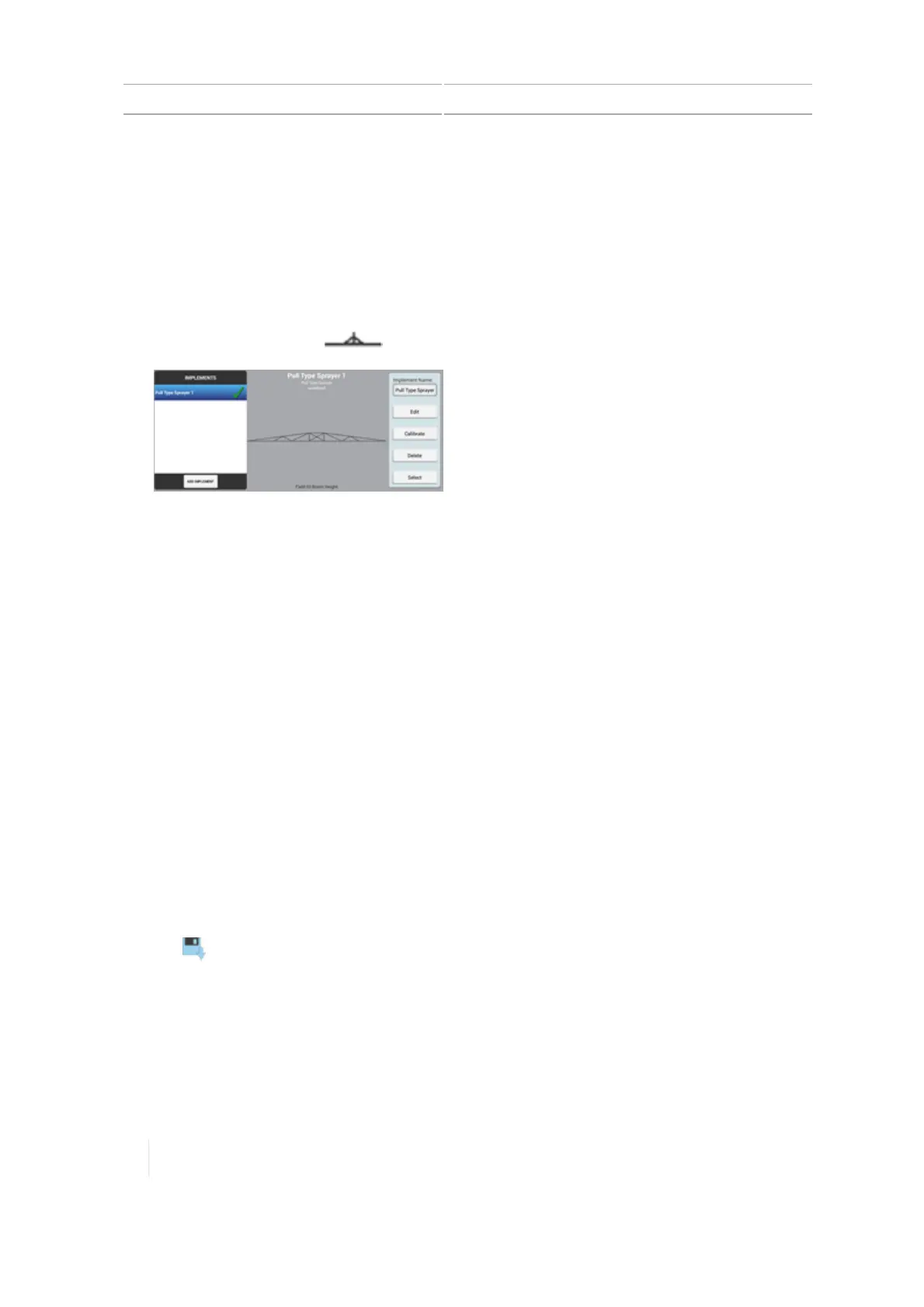
Use the Implement setup panel to select, add, edit, calibrate or delete an implement. Implements
can be pull-type equipment or attachments for self-propelled equipment.
Before you set up an implement, create a vehicle. See Add a vehicle, 140.
Add an implement
1.
At the Home screen, tap . The Implement setup panel displays.
Tap ADD IMPLEMENT.
2. At the OPERATION section, tap the type of operation that you will use the implement to
perform.
3. At the IMPLEMENT / Type section, tap the type of implement you will be using. Then tap Next
to continue.
4. At the NAME section, the system has pre-named the implement by giving it the name of the
type. You have the option to enter a different name if you want to change it.
5. Tap Next to continue to the MEASUREMENTS section. See for further instructions.
Save an implement
You can save complete or incomplete implements.
Save complete implement settings
1. Complete all of the implement setup and calibration steps for your operation, based on the
implement type and features/plugins you have unlocked on the device.
2. When you complete the implement setup, your last step is the SUMMARYsection.
3.
Tap to save the implement and return to the Home screen.
Save incomplete implement settings
The display allows you to save an incomplete implementand return to it later to complete.
Note – You cannot enter the run screen without a completed implement that you have selected.
188 TMX-2050 Display User Guide Version 1.075, Revision C



 To Next Page