10 Operations Guidance patterns
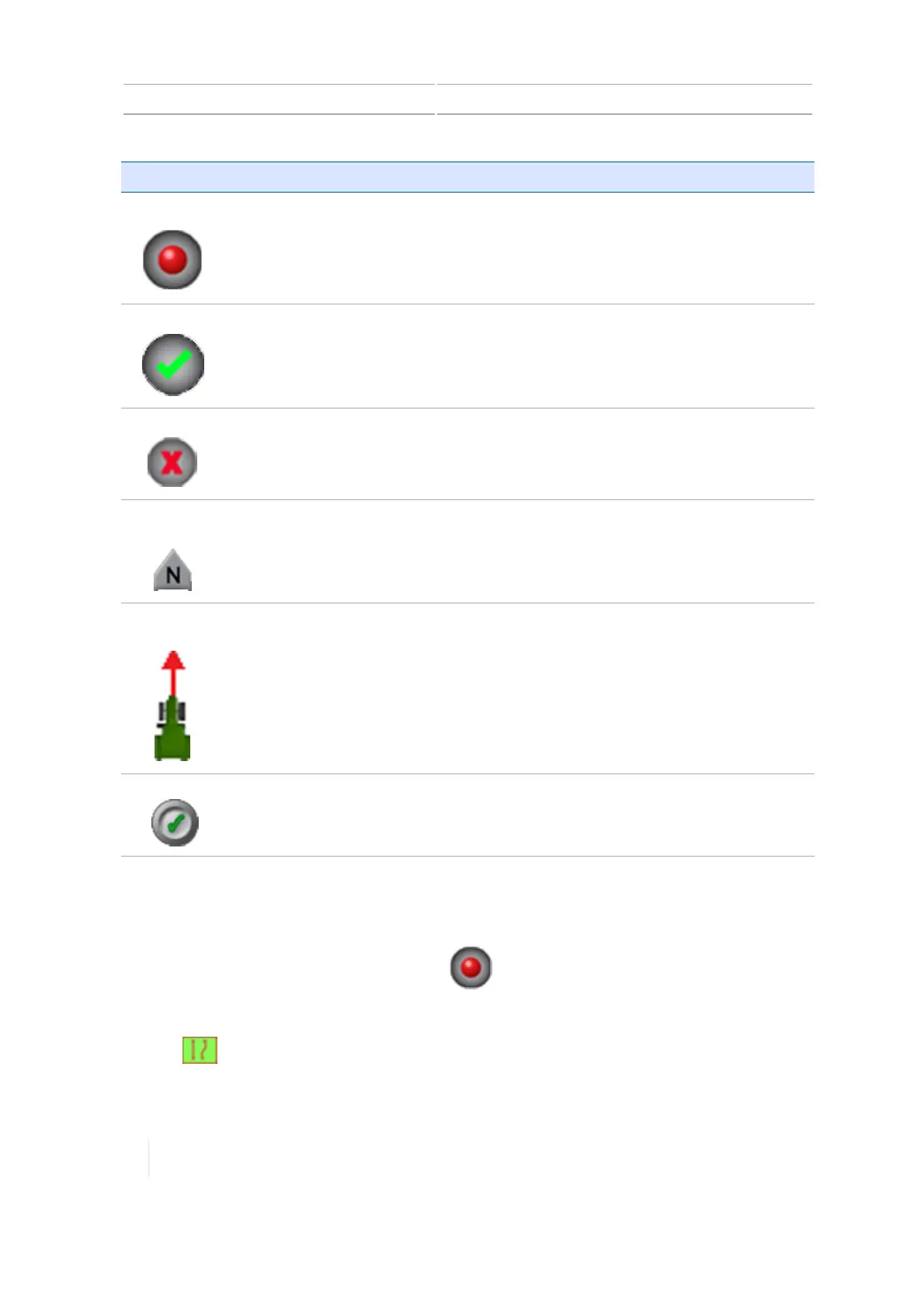
Button Tap to...
Record
Begin recording a path as you drive it.
Complete
Finishes the guidance item you have created and saves it.
Cancel
Exits the process of creating a guidance item and does not save it.
Compass
Point
Set the heading direction for an A+ line to a compass direction.
See A+ guidance line creation (Run screen), 252.
Use Current
Heading
Set the heading direction for an A+ line based on the vehicle's current position.
See A+ guidance line creation (Run screen), 252.
Lock the current angle of the vehicle.
See A+ guidance line creation (Run screen), 252.
Boundary creation (Run screen)
You can change the point on the implement's swath where you wish to record the boundary's edge:
Right, Center, or Left. To make this change, tap before you begin driving.
1. Enter the field where you want to create the boundary. (See Preparing for operation, 234.)
2.
Tap . The pattern buttons display.
248 TMX-2050 Display User Guide Version 1.075, Revision C



 To Next Page