Guidance patterns 10 Operations
Button Tap to...
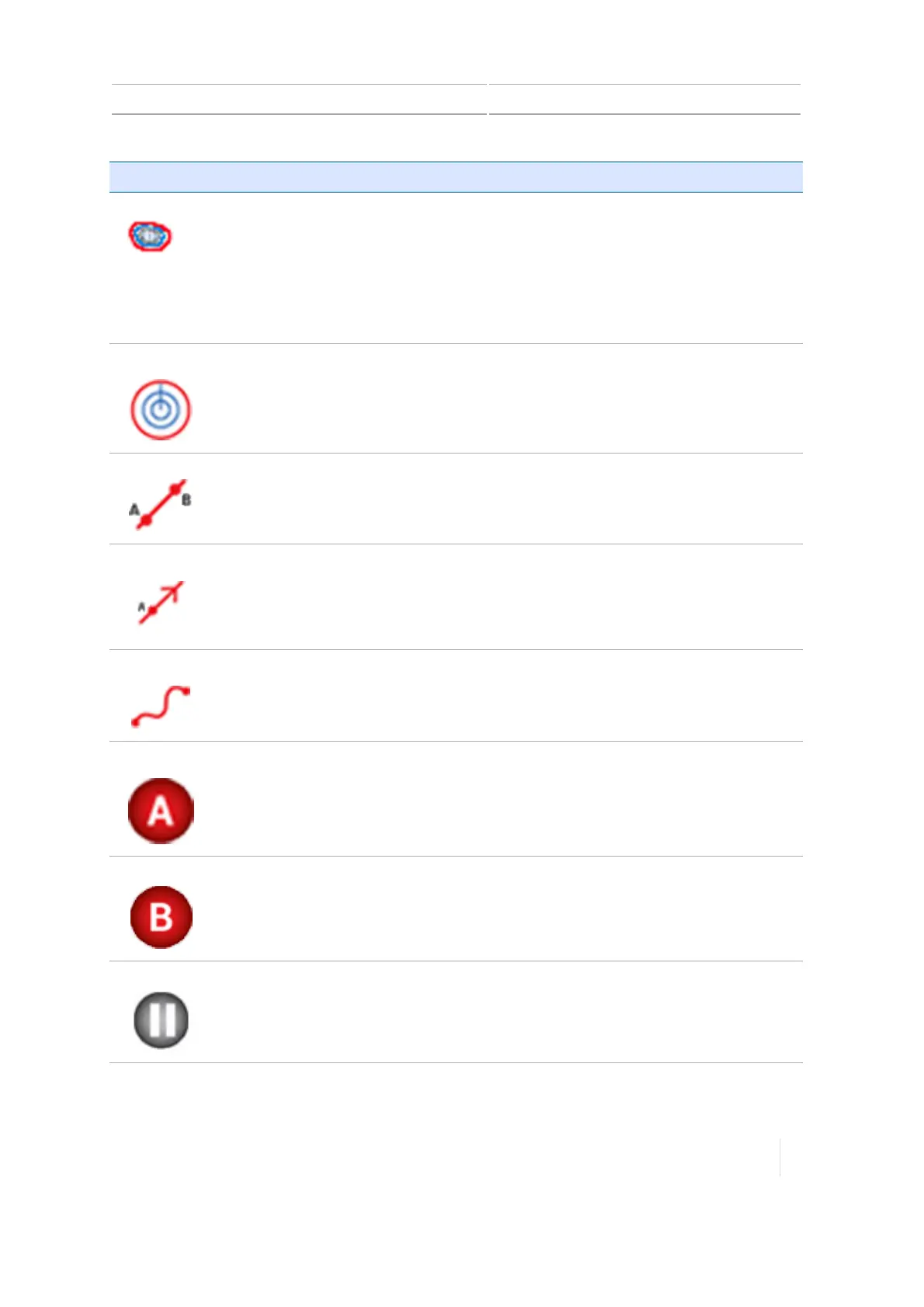
Headland
Record the exterior circuit of a field. Repeat the circuit for multiple headland passes
and create an infill pattern.
The display uses the implement width to generate the required number of
headland circuits, a headland boundary outside of the exterior headland circuit,
and an infill boundary inside of the interior headland boundary.
See Headland and infill pattern creation (Run screen), 253.
Pivot
Record the exterior curve of a circular field and repeat the pattern.
The display uses the implement width to generate concentric circles. It also creates
a pivot field boundary based on the specified distance to the pivot field edge.
See Pivot pattern creation (Run screen), 258.
AB Line
Record a straight line from point A to point B.Parallel guidance lines (or swaths) will
be projected multiple times on either side of the ABline.
See AB guidance line creation (Run screen), 251.
A+Line
Set a straight directional line from point A toward the selected direction (compass
direction, path of travel, or heading value). Parallel guidance lines will be projected
multiple times on either side of the A+line.
See A+ guidance line creation (Run screen), 252.
Curve
Record a line with curved and/or straight segments. Matching guidance lines will be
projected multiple times on either side of the curved line.
See Curved line creation (Run screen), 252.
Set Point A
Set the starting point of a line.
Set Point B
Set the end point of a line.
Pause
Suspend recording while you continue to drive. The display will replace the path
you travel while paused with a straight line.
Version 1.075, Revision C TMX-2050 Display User Guide 247



 To Next Page