2 Display basics Data transfer
From CFX-750 display or FmX display to TMX-2050 display
To move files from the CFX-750 display or FmX display to the TMX-2050 display, follow the steps
below.
Note – Make sure your USB drive has the AgGPS folder on the root.
1.
Insert the USBdrive into the CFX-750 display or FmX display.
If files were created on the CFX-750 display, change the file extension from .CFG to .cfg before
transferring them to the TMX-2050 display.
2. Transfer the files from the display to the USB drive.
3. Remove the USB drive from the CFX-750 display or FmX display.
4.
Insert theUSBdrive into one of the USB sockets on the TMX-2050 display.
(See USB socket, 74.
5.
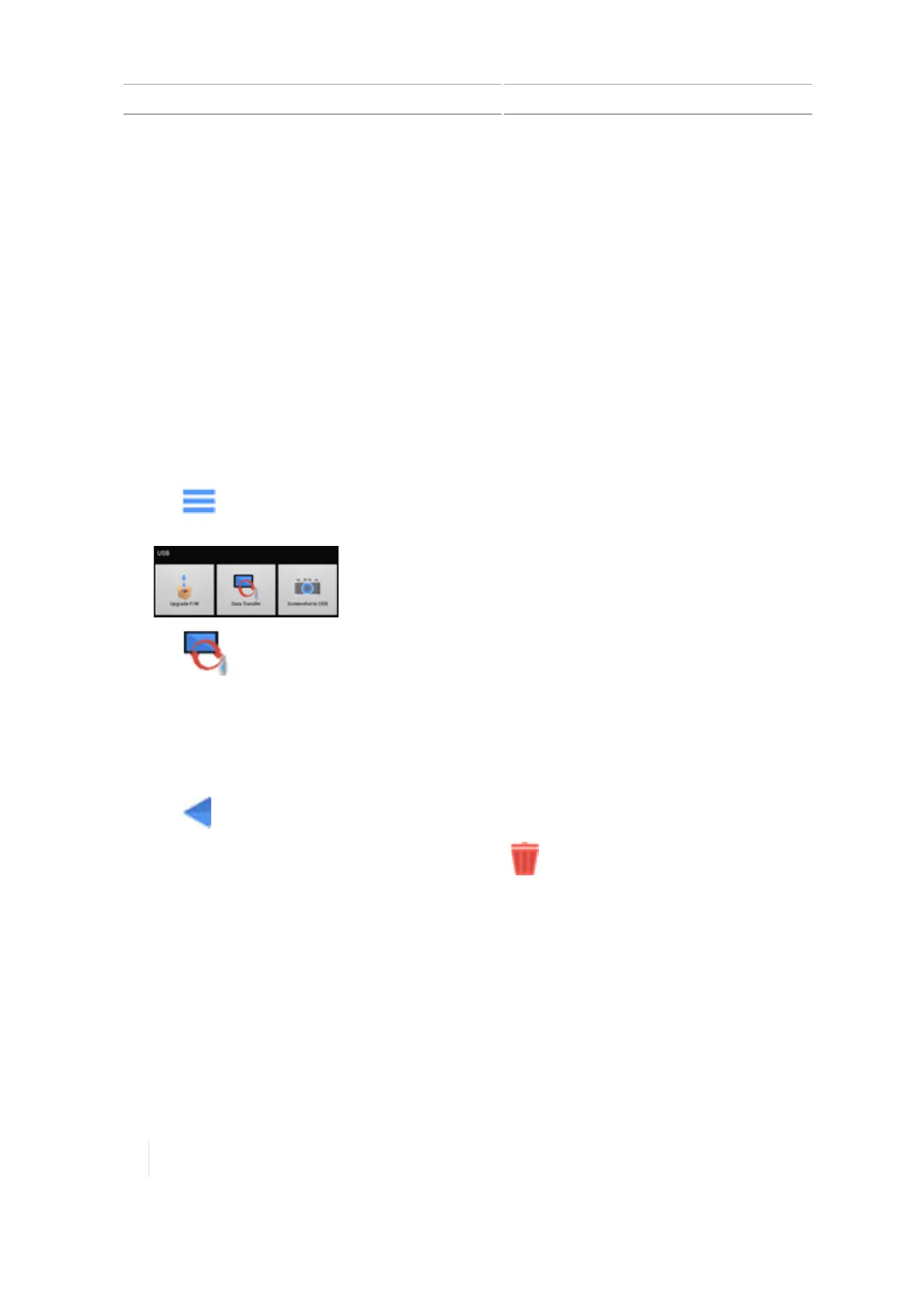
Tap on the Home or Run screen, or on the notification list launched from the display bar.
The USBmenu displays.
6.
Tap . The Data Transfer panel displays.
Note – Whether you are transferring data from the CFX-750 display or FmX display, the item
in the USB list will show the data as FmX displaydata.
7. Tap an item to expand it on the USB list.
8. Tap the item(s) you want to transfer.
9.
Tap to move the item(s) to the internal list.
10.
To delete an item, tap the item in either list and tap .
From TMX-2050 display to CFX-750 display or FmX display
To transfer from TMX-2050 display to the CFX-750 display or FmX display using USB or Office Sync,
the same steps as the previous examples apply, except: All data transferred from the TMX-2050
display must be "decoded" by Farm Works software before it can be used by these legacy displays.
Data can then be transferred by USB drive from the desktop (using Farm Works) to the CFX-750
display or FmX display.
Note – Make sure your USB drive has the AgGPS folder on the root.
70 TMX-2050 Display User Guide Version 1.075, Revision C



 To Next Page