1 Introduction Purchase and activation process
Deliver services and licenses to the display in the reseller portal
1. If you are not already logged in, log in to the reseller portal.
2. At the Activations tab, find the reseller reference number or customer name (depending on
how the customer account was set up) and click it. This expands to show the display serial
numbers this customer has.
3.
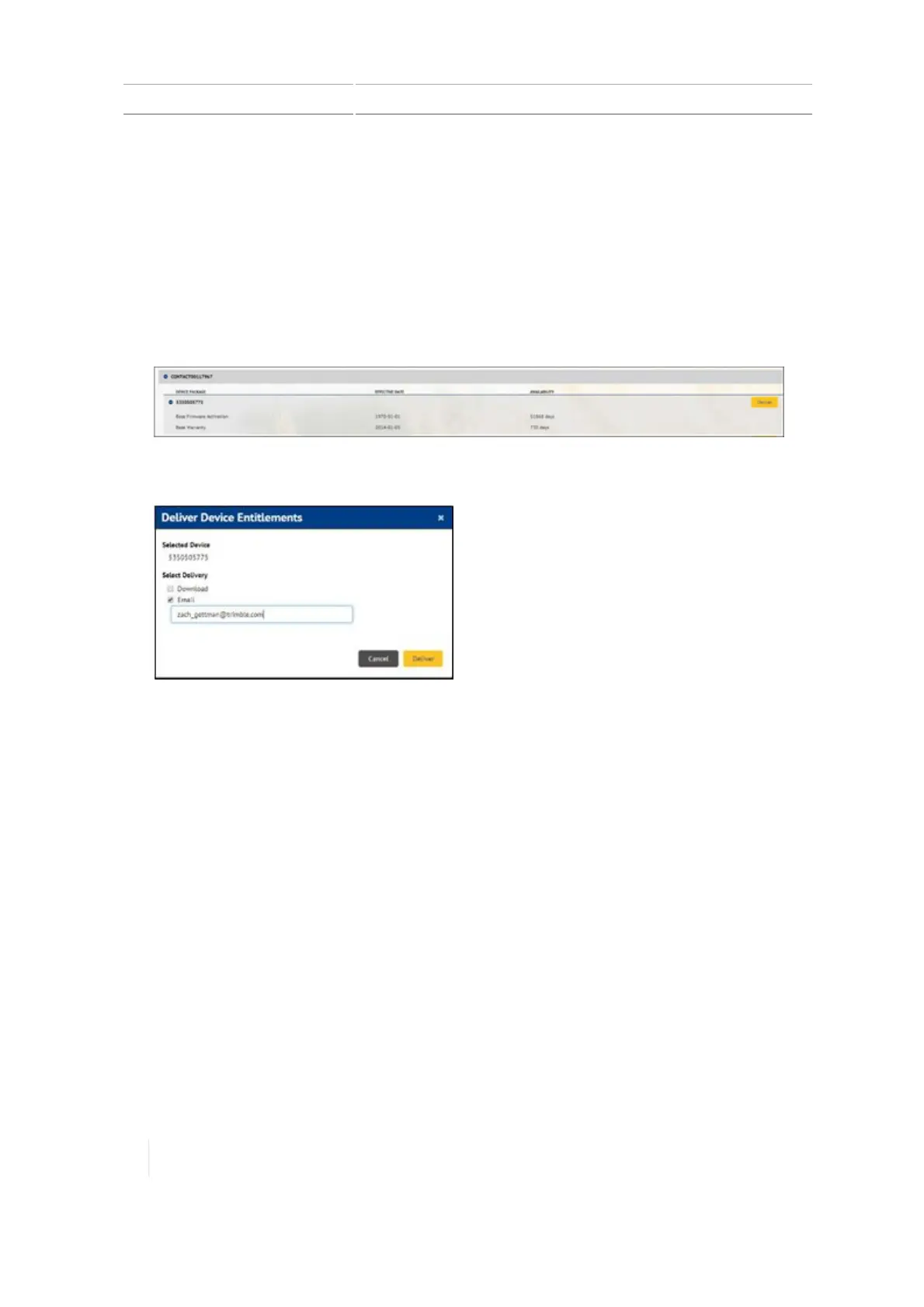
Click the display serial number you want. This expands to show all services and licenses
assigned to this display.
4.
Click Deliver. A popup displays.
5. In the popup, choose to either deliver the services/licenses through:
ll Download to a computer. Then you can copy the file to a USB drive and transfer it to the
TMX-2050 display.
l
Email containing QR codes to the customer email you enter. The customer can then scan
the QRcodes into the TMX-2050 display.
36 TMX-2050 Display User Guide Version 1.075, Revision C



 To Next Page