Display bar 2 Display basics
Display bar
CAUTION – Do not press on the screen with a sharp item, such as a pencil. You may damage the surface of the
screen.
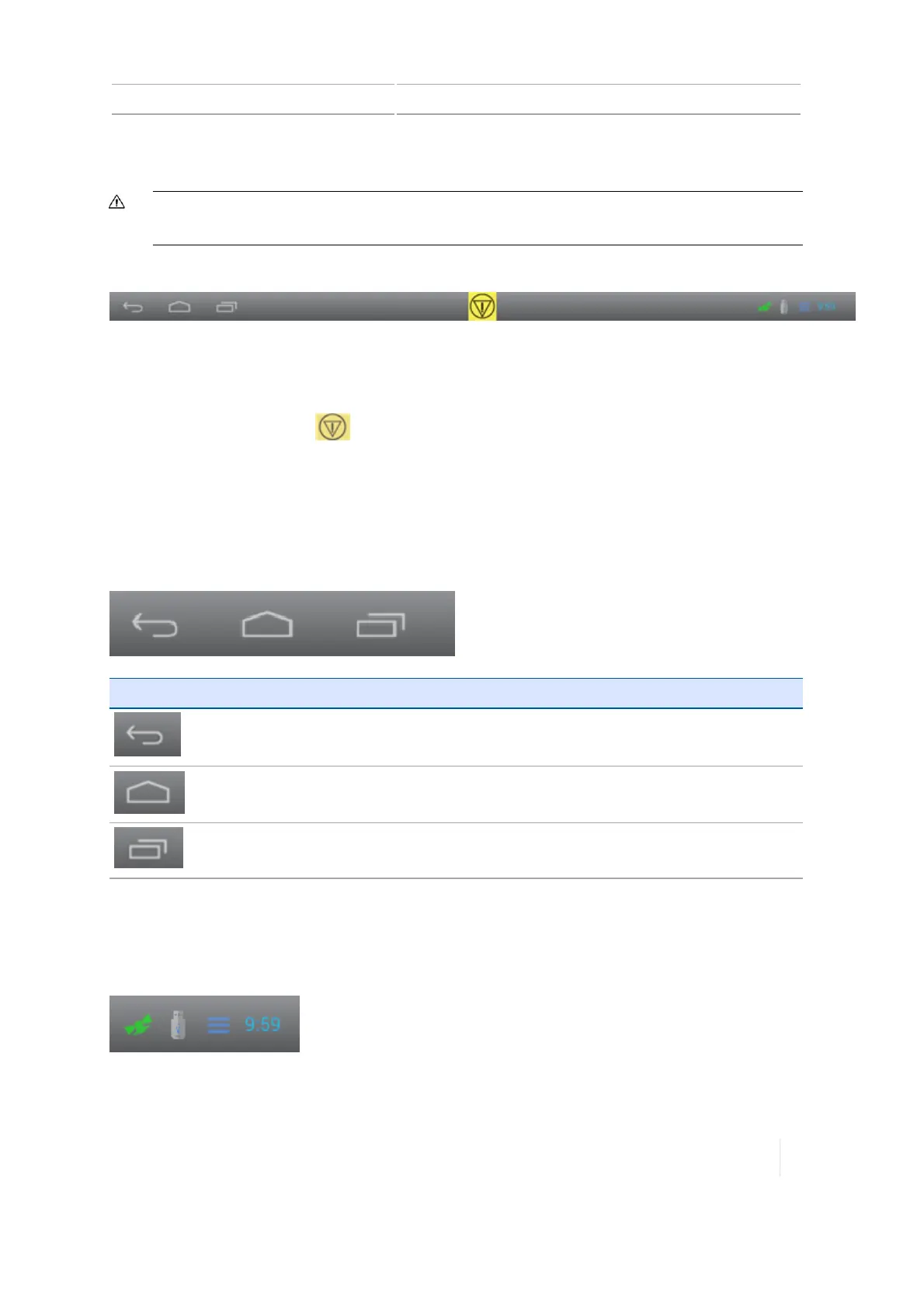
The display bar is always displayed at the bottom of the screen on the TMX-2050 display.
Emergency button
In the middle of the bar, the Emergency button is displayed at all times. To cancel all functions
controlled by the display, tap .
Note – Tapping this button does not turn the vehicle off. It only cancels display-controlled
functions such as automatic steering systems.
Left-side navigation
The left side of the bar contains navigation buttons.
Navigation Button Tap to...
Return to the previous screen.
Go to the
Home
screen.
View your most recent views and go to the one of your choice.
Right-side icons and notification list
The right side of the bar contains icons to indicate status, display the time of day, and features being
used.
Version 1.075, Revision C TMX-2050 Display User Guide 51



 To Next Page