10 Operations ISOBUS
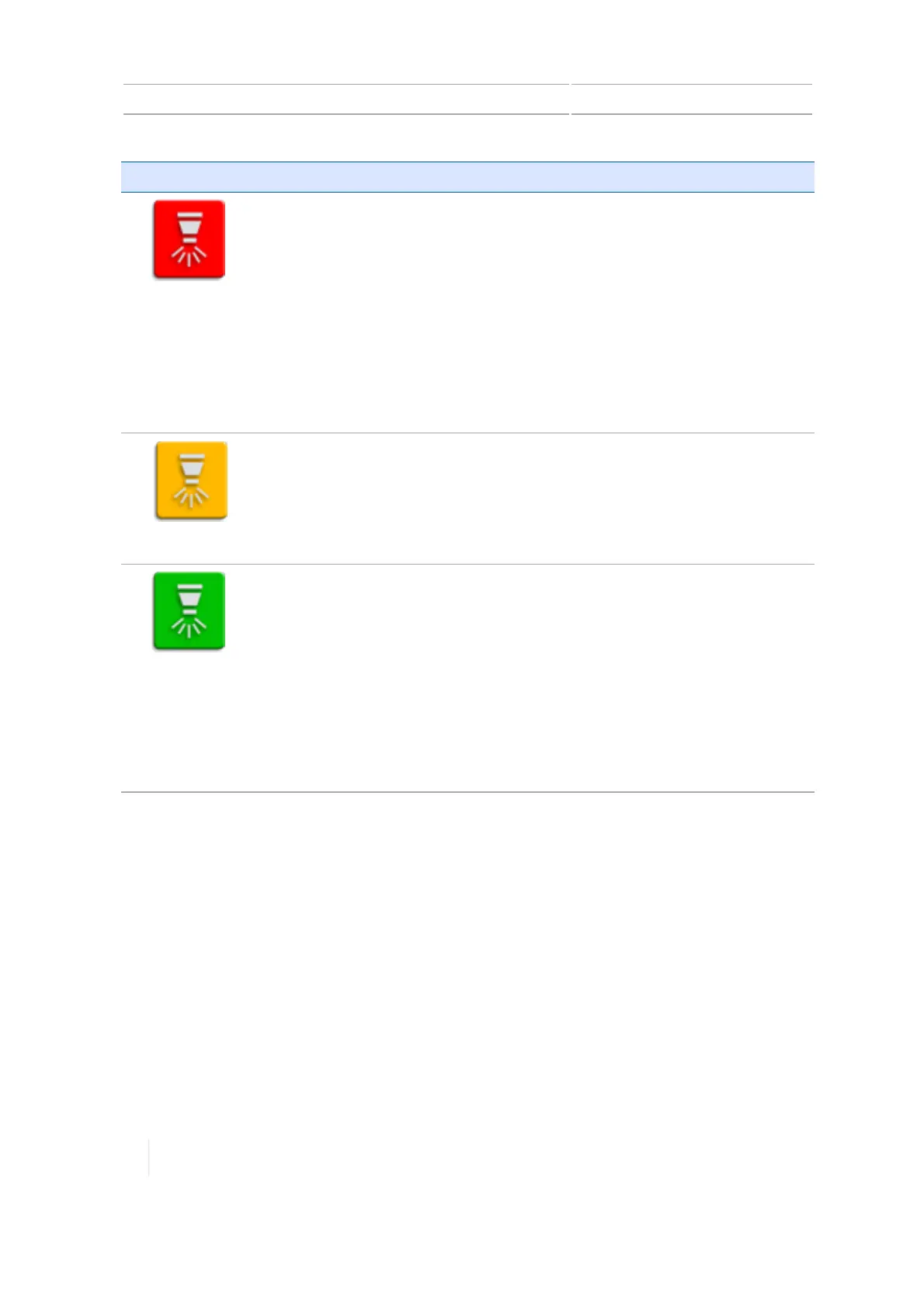
Button status Explanation
(Red)
The TMX-2050 display is not able to begin operation with the Task Controller.
You cannot tap this button. It is a status indicator only. To troubleshoot:
l Check the physical connections from the implement to the display.
l Check that all settings are correct in the Virtual Terminal of the
implement, including an "on" or "stand by command." (For more
information, see the Getting Started Guide for ISOfor the TMX-2050
display.)
Note – If you have a master switch box or joystick and its master switch is
off, no application will occur. To use Task Controller with one of these, make
sure the physical master switch or stand by command is on.
(Yellow)
The connection is secure and the TMX-2050 display can receive information
for Task Controller.
Tap the button to use the Task Controller and have the TMX-2050 display
control the application.
(Green)
Indicates the TMX-2050 display is currently controlling the application. If you
have Field-IQ Section Control for spraying, this feature will control the
application of the material (see Field-IQ system operations, 270).
Tap to stop using the Task Controller and stop the TMX-2050 display from
controlling the application.
Note – Currently, the Prescriptions feature is not available for use with Task
Controller.
The task data recorded will be the same as if you were using Field-IQ to
control the application (see Tasks, 238).
Virtual Terminal operation
To use Virtual Terminal:
1. Make sure an ISO-certified implement is connected and that you have turned on the Virtual
Terminal feature in settings (see ISOBUS settings, 87).
2.
At the Run screen on the ISOBUS widget, tap VT. The widget displays in a smaller version which
only shows data and does not allow you to control the implement.
284 TMX-2050 Display User Guide Version 1.075, Revision C



 To Next Page