Home screen 2 Display basics
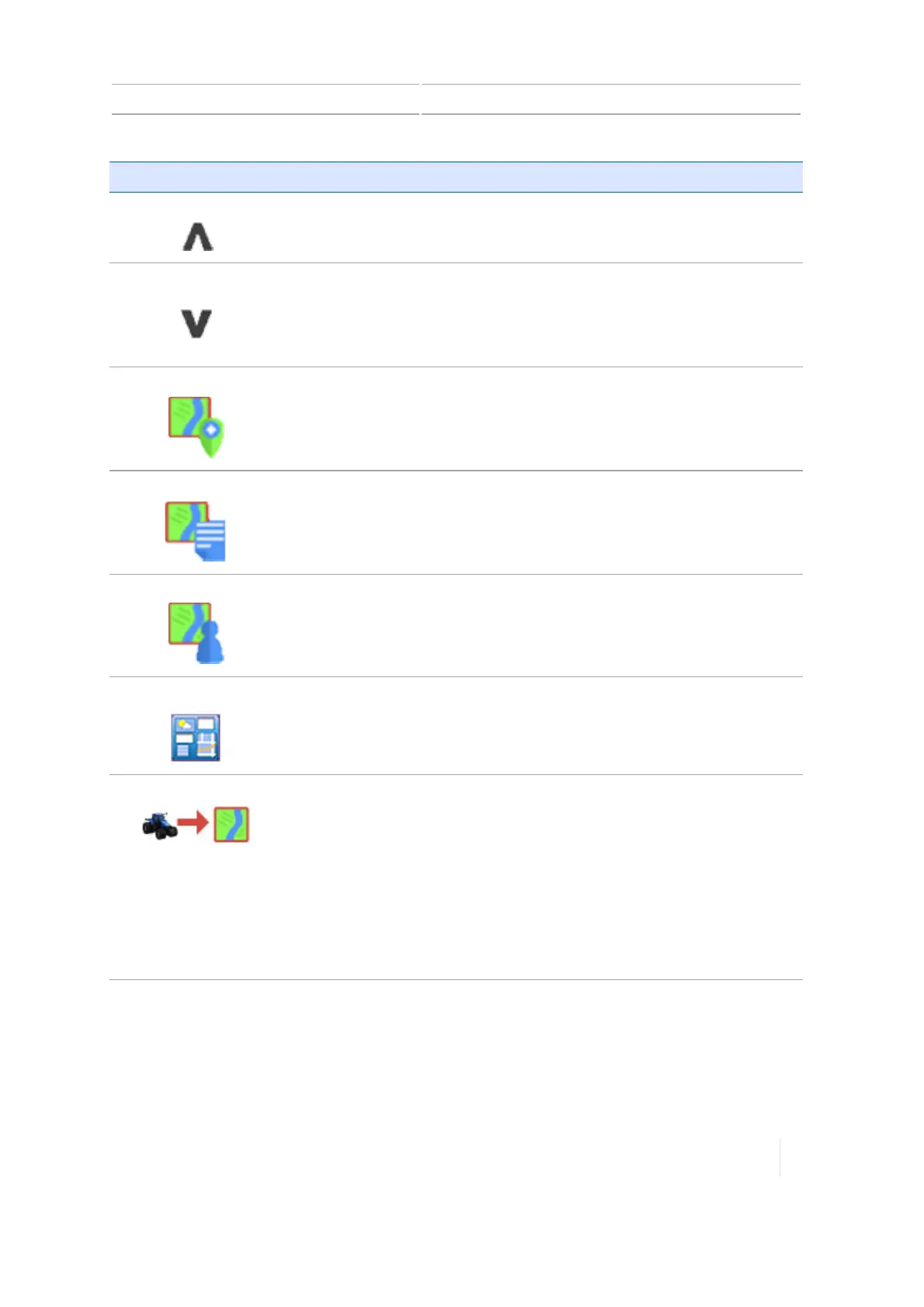
Button Tap to...
Hide
Hide field operation buttons on the left side of the screen.
Show
Show field operation buttons on the left side of the screen
Add field
Add a new field.
See Add a field, 181.
List fields
Show a list of existing fields. Tap the name of the field to select it. Tap
again to hide the list of fields.
See Select a field, 182.
Field Manager
Open Field Manager for the selected field.
See Field Manager, 61.
Connected Farm
Open the Connected Farm™ dashboard. (Requires a connected DCM-
300 modem.)
See Connected Farm Dashboard, 66.
Enter Field
Begin field activities by entering the
Run
screen. (You must select a
vehicle, implement, and field first.)
The Run screen displays, where you can perform field activities,
including:
l Engage guidance
l Log coverage for current operations
l Create boundaries, guidance patterns, landmarks, and so on
See Run screen, 56.
Setup buttons - right side
Buttons on the right side of the Home screen are primarily for setup.
Version 1.075, Revision C TMX-2050 Display User Guide 55



 To Next Page