Installation and GNSS set up 4 Installation
1.
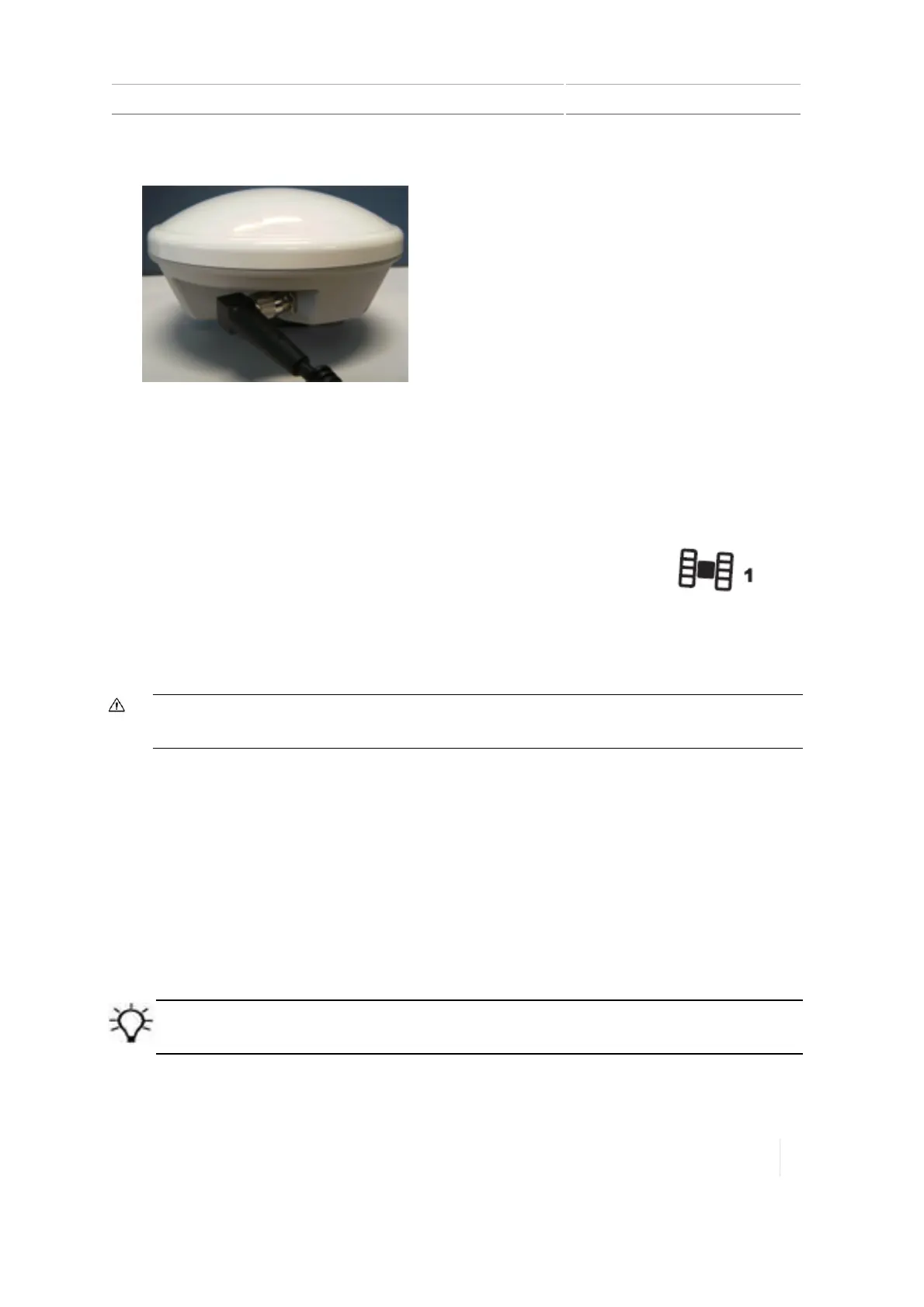
Connect the antenna cable (3) to the AG-25 GNSS antenna (1).
2. Place the antenna on the roof of the vehicle, at the front and centered from left to right.
3. On the mounting plate, remove the protective covers from the adhesive strips.
4. Attach the mounting plate to the vehicle roof with the adhesive strips.
5. Place the antenna on top of the mounting plate.
6. Route the other end of the antenna cable into the cab.
7.
Connect the GNSS antenna cable (3) to the TM-200 Module.Connector icon: (Also
see TM-200 Module, 97.)
Note – To minimize any interference to the GNSS signal, make sure that any other antenna
(including a radio antenna is at least 1 m (3 ft) from the AG-25 GNSS antenna.
CAUTION – The GNSS antenna may experience interference if you operate the vehicle within 100 m (300 ft) of
any power line, radar dish, or cell phone tower.
Connect additional components
Note – The steering system requires professional installation. If the steering system is not currently
installed in your vehicle, consult your local reseller.
Refer to the TMX-2050 Display Cabling Guide to connect to:
l Flow and application control
l Boom height control
l Other components
Tip – Proper connection depends on your configuration. Reference the TMX-2050 Display Cabling Guide for
appropriate information.
Version 1.075, Revision C TMX-2050 Display User Guide 113



 To Next Page