Field-IQ system operations 10 Operations
Button/Indicator Description
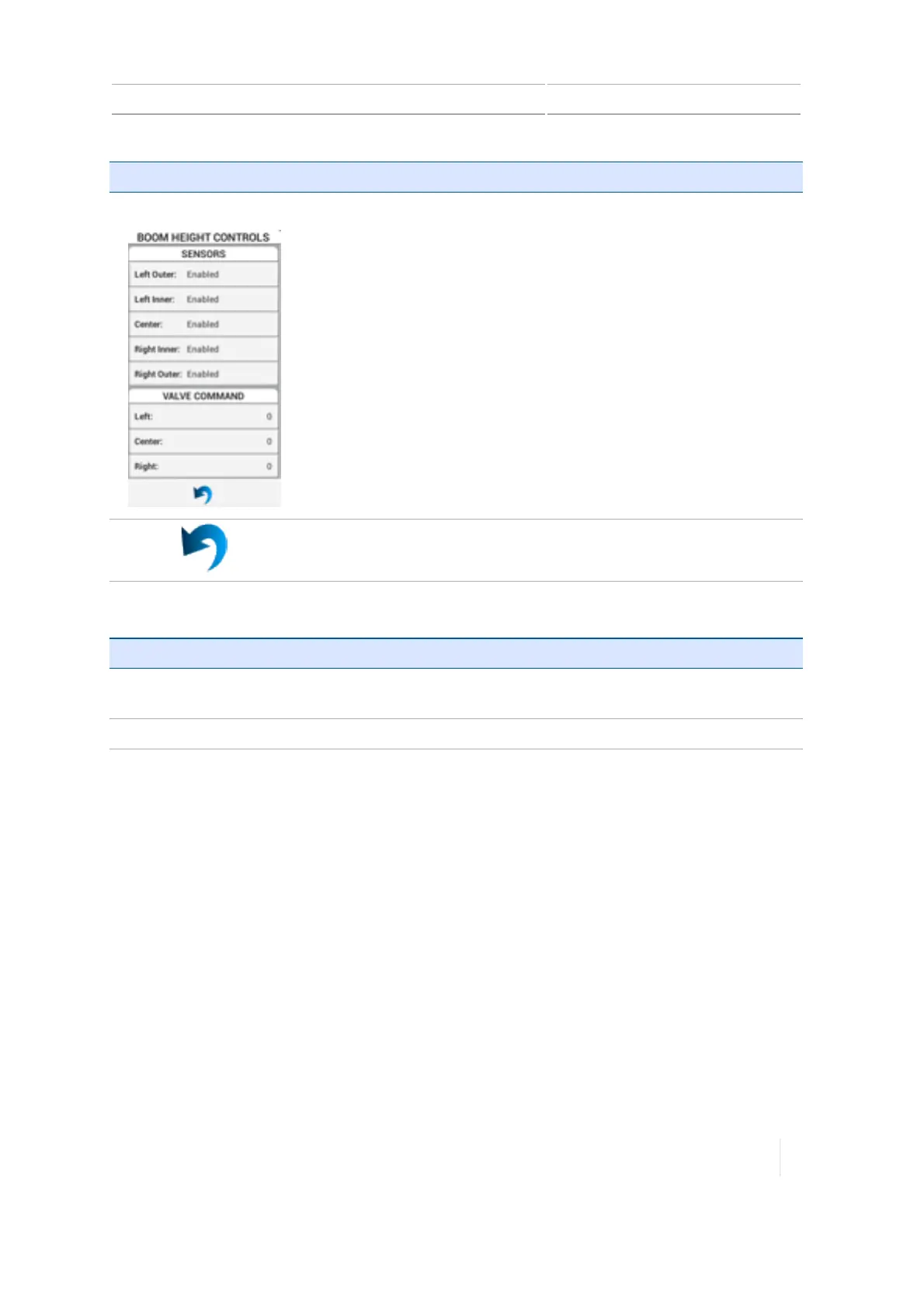
Boom Height Controls Sensors:Indicates all sensors and their status (enabled, disabled).
(Display only)
Valve Command:Indicates the percentage of command used for each
valve. Should a boom section fail, begin troubleshooting here.
Tap to return to main boom height adjustment controls.
For information on: See:
Setting up boom
height
Boom height control, 210
Diagnostics
Boom Height Diagnostics, 300
Version 1.075, Revision C TMX-2050 Display User Guide 279



 To Next Page