Vehicle operation 10 Operations
Indicator/Button Auto guidance system is...
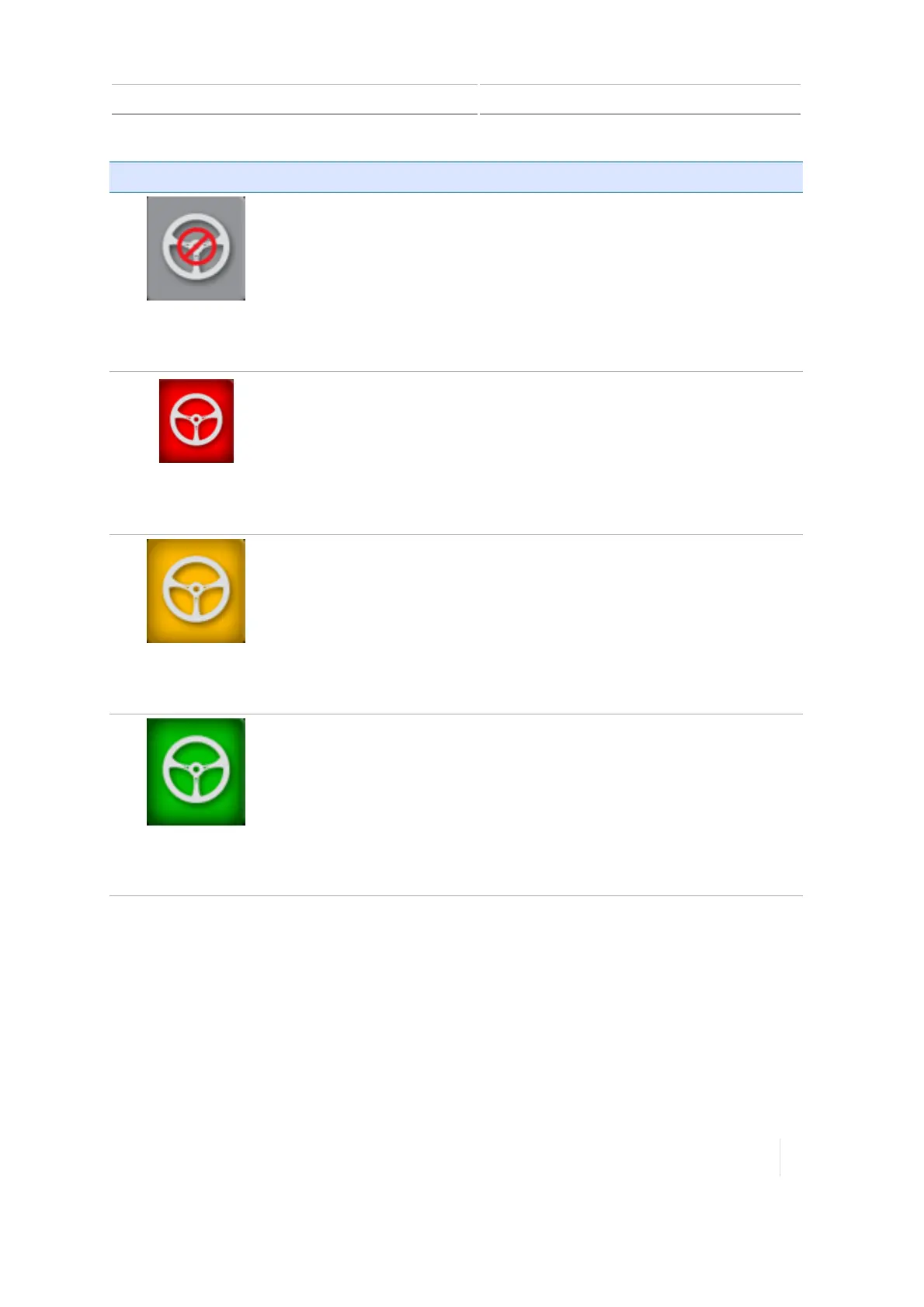
Gray
Engage Disabled
Disabled. Enable it in the steering control panel. This is an indicator only.
Red
Cannot Engage
Does not have the proper conditions met to engage. Tap to determine
the reason.
Yellow
Ready to Engage
Ready to engage (yellow). Tap to engage the auto guidance system.
Green
Engaged
Engaged (green). Indicates you are engaged on a pattern or line and are
using auto guidance. Tap to disengage.
Version 1.075, Revision C TMX-2050 Display User Guide 243



 To Next Page