Guidance patterns 10 Operations
5.
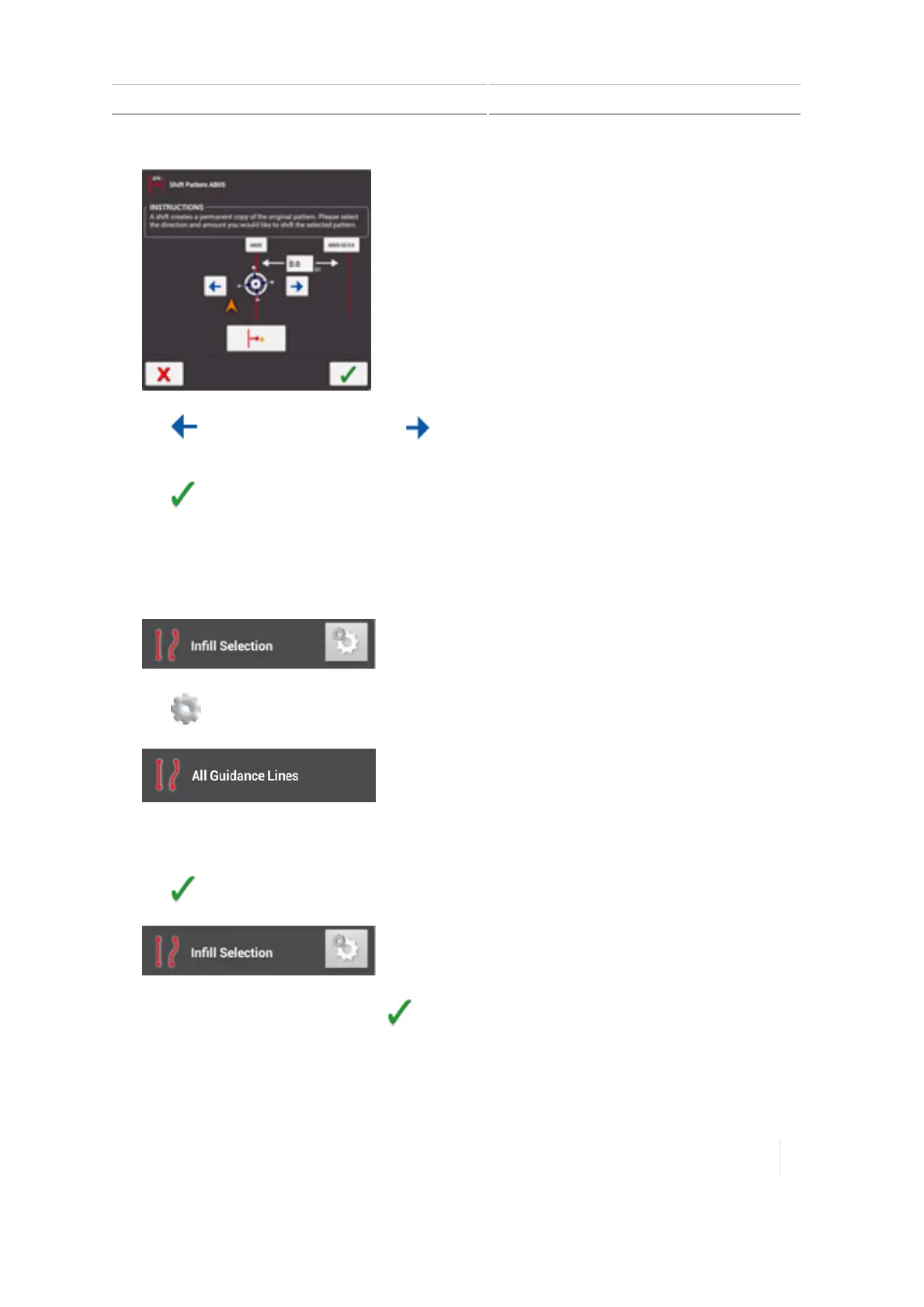
Tap to shift the pattern left or tap to shift the pattern right.
6. In the entry box, enter the distance you want to shift the pattern.
7.
Tap to save the shift.
8. The shifted pattern is saved with a new name.
9. Tap the headland circuit pattern to select it, and tap Activate.
10.
Tap Infill. The Infill Selection list displays.
11.
Tap . The All Guidance Lines list displays.
12. Tap to highlight all the infill patterns (including the shifted pattern you just created) you want
to associate with the headland pattern you activated.
13.
Tap . The Infill Selection list displays again.
14.
Highlight the shifted swath and tap .
15. The shifted infill is now activated along with the headland swath.
16. Tap Boundaries. Activate the inner headlands boundary.
Version 1.075, Revision C TMX-2050 Display User Guide 255



 To Next Page