10 Operations Guidance patterns
5.
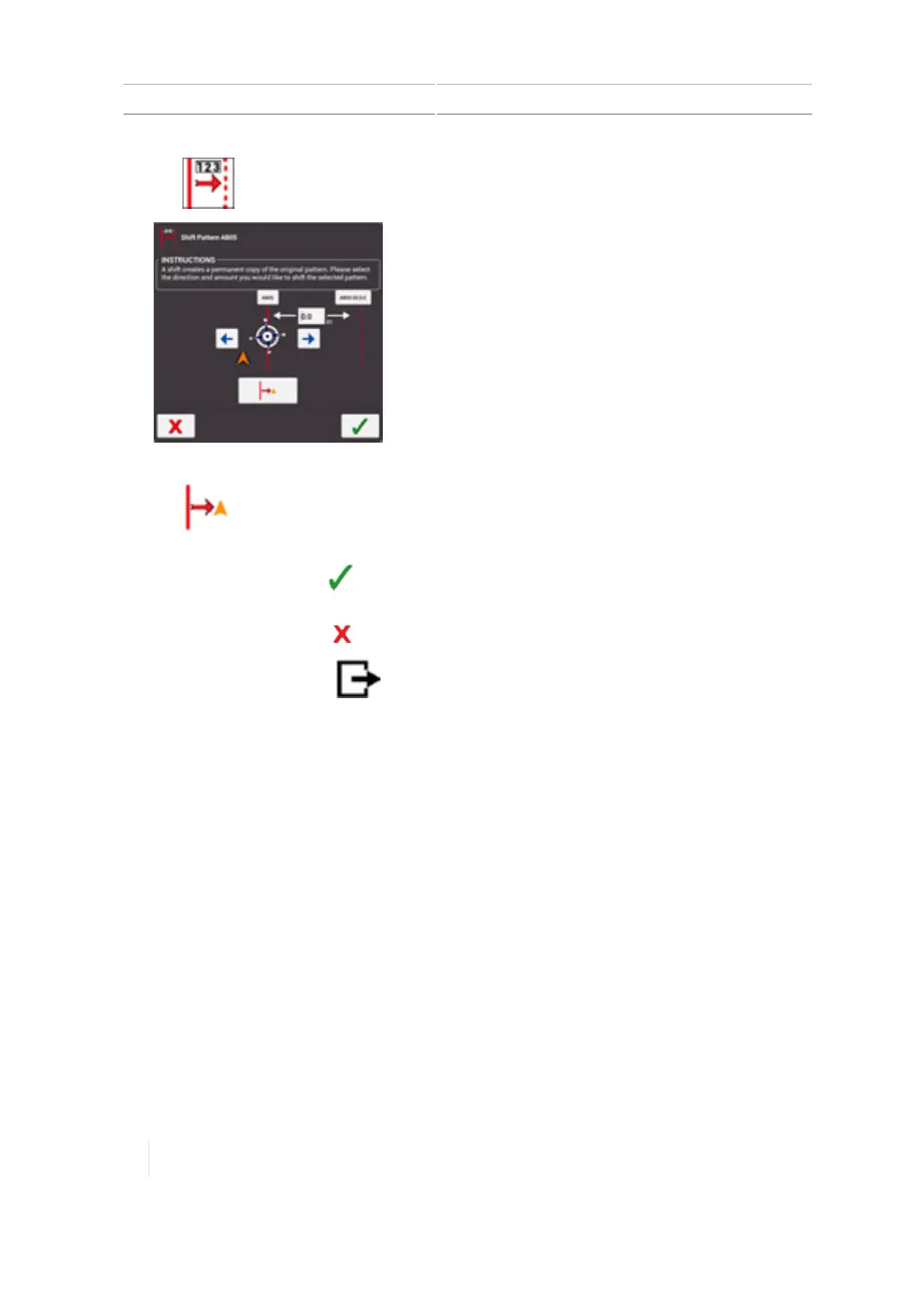
Tap . The Shift Pattern tool displays.
6. Tap the left or right arrow to indicate the direction you want to shift the pattern.
7.
Tap to shift the pattern to the vehicle's current position, or you can enter the amount
you want to shift the pattern.
8.
To make the change, tap . The system creates a copy of the original pattern with the shift
change.
9.
To cancel the change, tap .
10.
To exit Field Manager, tap .
262 TMX-2050 Display User Guide Version 1.075, Revision C



 To Next Page