2 Display basics Data transfer
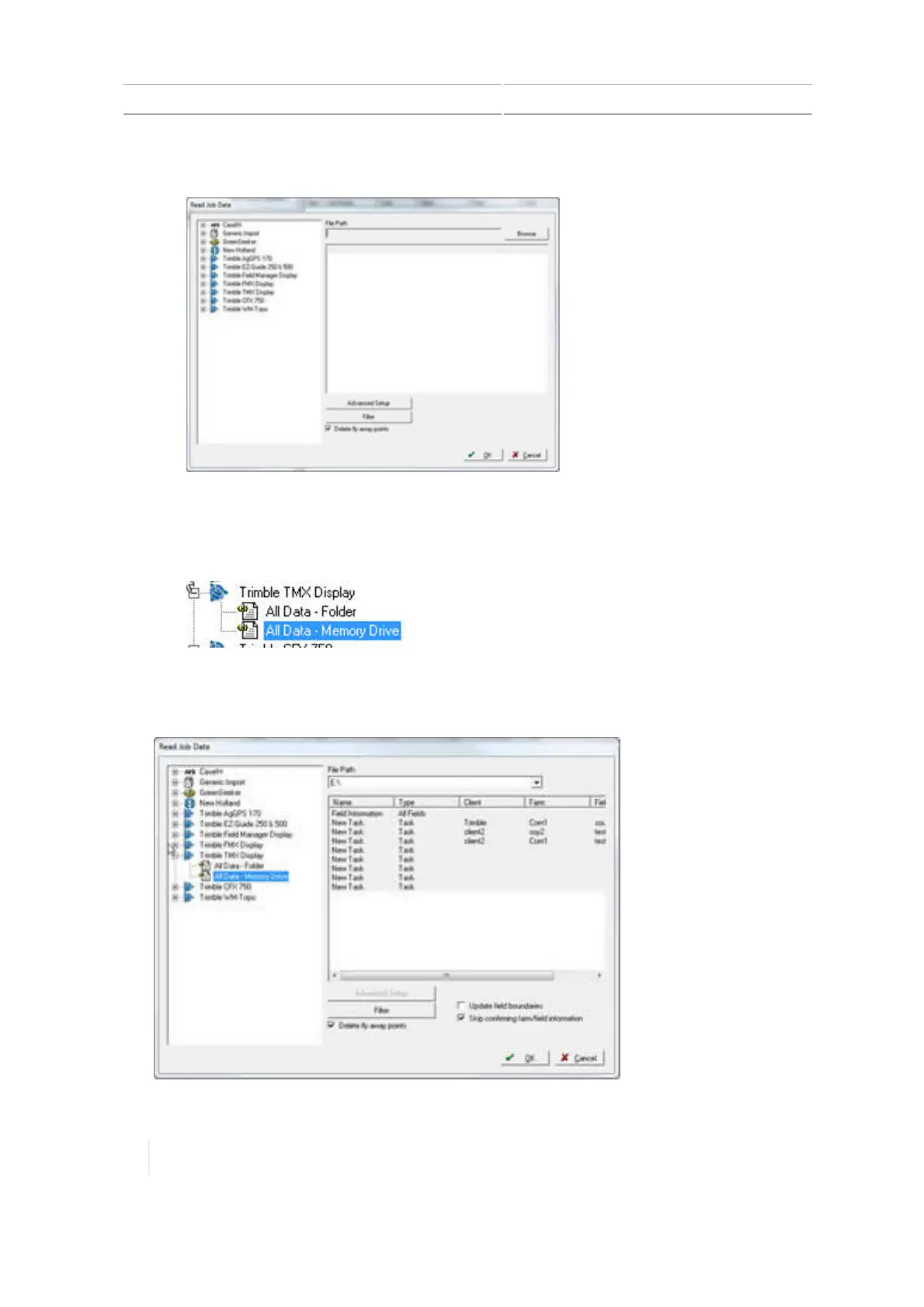
The system displays the Read Job Data window.
3.
In the left column of the Read Job Data window, click + next to Trimble TMX Display.
4.
Under Trimble TMX Display, select where the data is stored that you want to transfer.
ll
For data transferred into Farm Works using a USB drive, select All Data - Memory Drive.
l For data transferred into Farm Works using Office Sync, select All Data - Folder.
5.
Under File Path, click Browse to find the drive or folder where the data is located. After this is
complete, your data will be listed in the right-hand column.
72 TMX-2050 Display User Guide Version 1.075, Revision C



 To Next Page