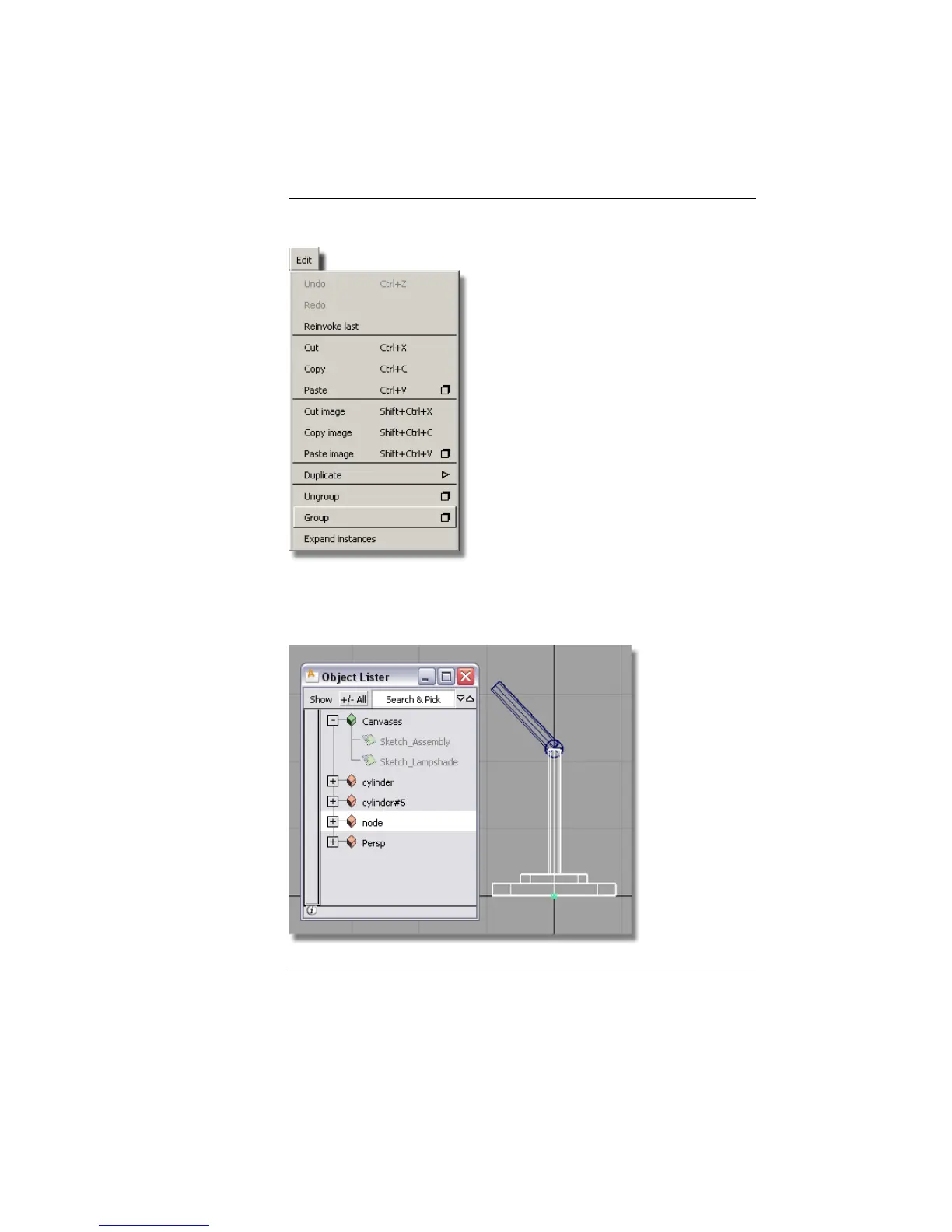
NOTE If you are not using the Object Lister, you can group the selected
objects by choosing Edit > Group from the main menu.
The grouped objects are now shown with a single pivot point at the
origin. The separate cylinders in the Object Lister have now been replaced
by a single item named node.
118 | Chapter 4 Introduction to 3D



 To Next Page