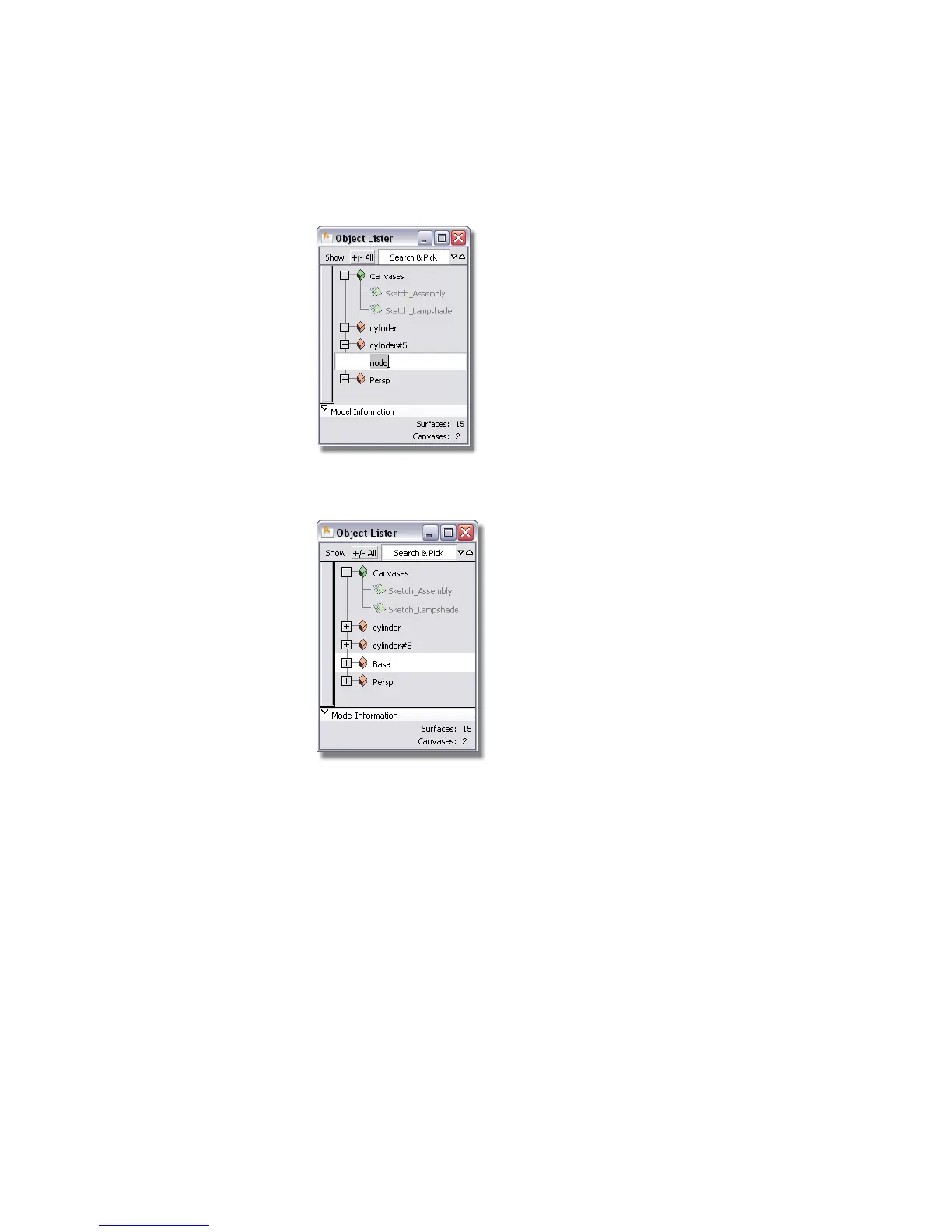
4 Double-click the word node in the Object Lister.
The word node is highlighted. Type Base to name the group, then press
Enter (Windows) or Return (Mac).
Grouping the arm
Next, group and name the upper arm of the lamp.
1 Choose Pick > Nothing .
2 Choose Pick > Object and pick the top two cylinders.
Part 3: Organizing the model | 119



 To Next Page