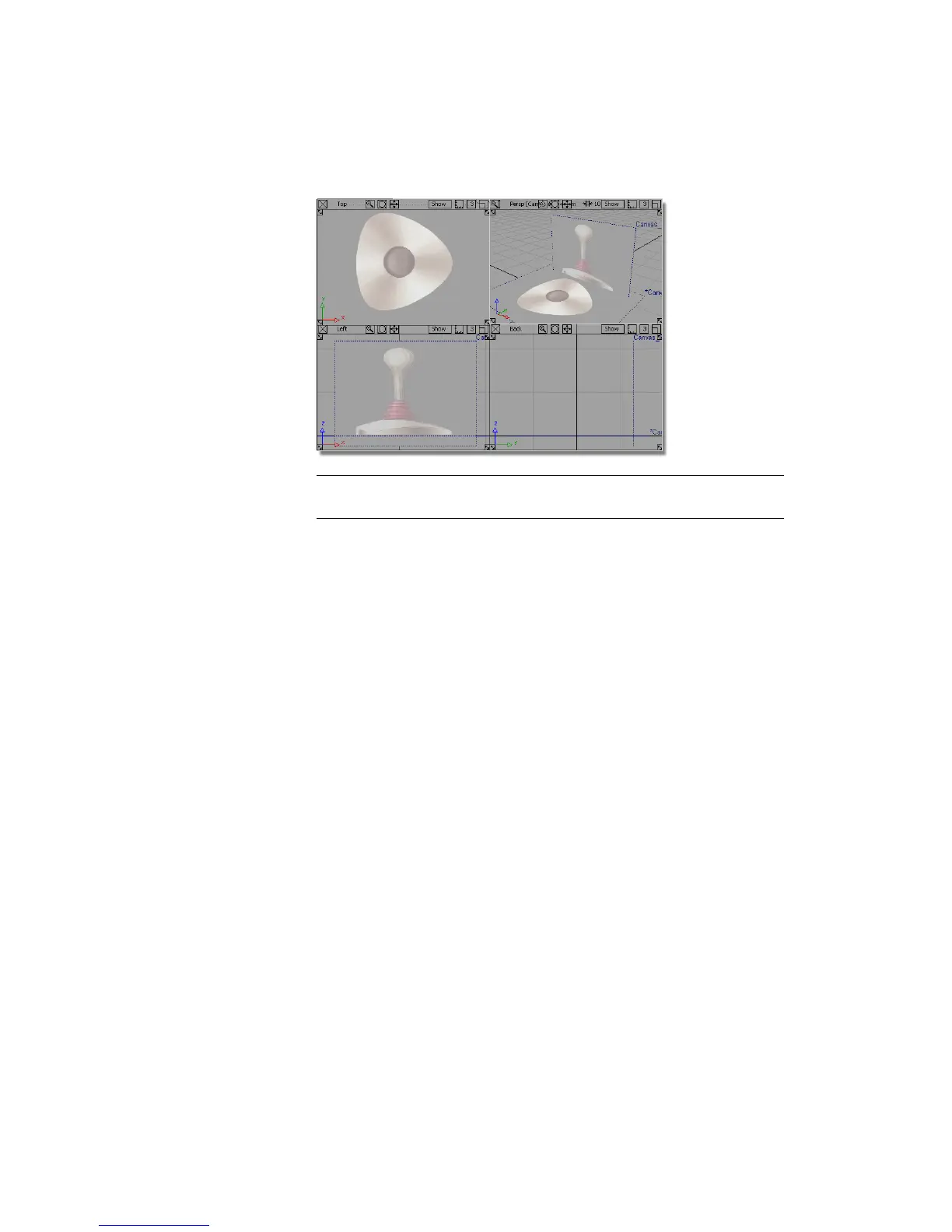
NOTE The scene contains two reference images on canvas planes. You will
use these as a guide to model the joystick.
If you do not see any images, choose WindowDisplay > Toggles > Canvas
Planes to turn on the display of canvas planes.
To turn off the borders for canvas planes, choose WindowDisplay >
Toggles > Construction Objects .
If the modeling views do not occupy the full size of the Alias window,
choose Layouts > All Windows > All Windows .
Creating the Joystick Handle
You will start by creating a curve that follows the profile of the joystick handle,
which will later be used to revolve a surface for the handle.
1 Maximize the Left view by clicking on the square icon on the top right
of the Left view window.
Part 1: Creating the Joystick Handle | 159



 To Next Page