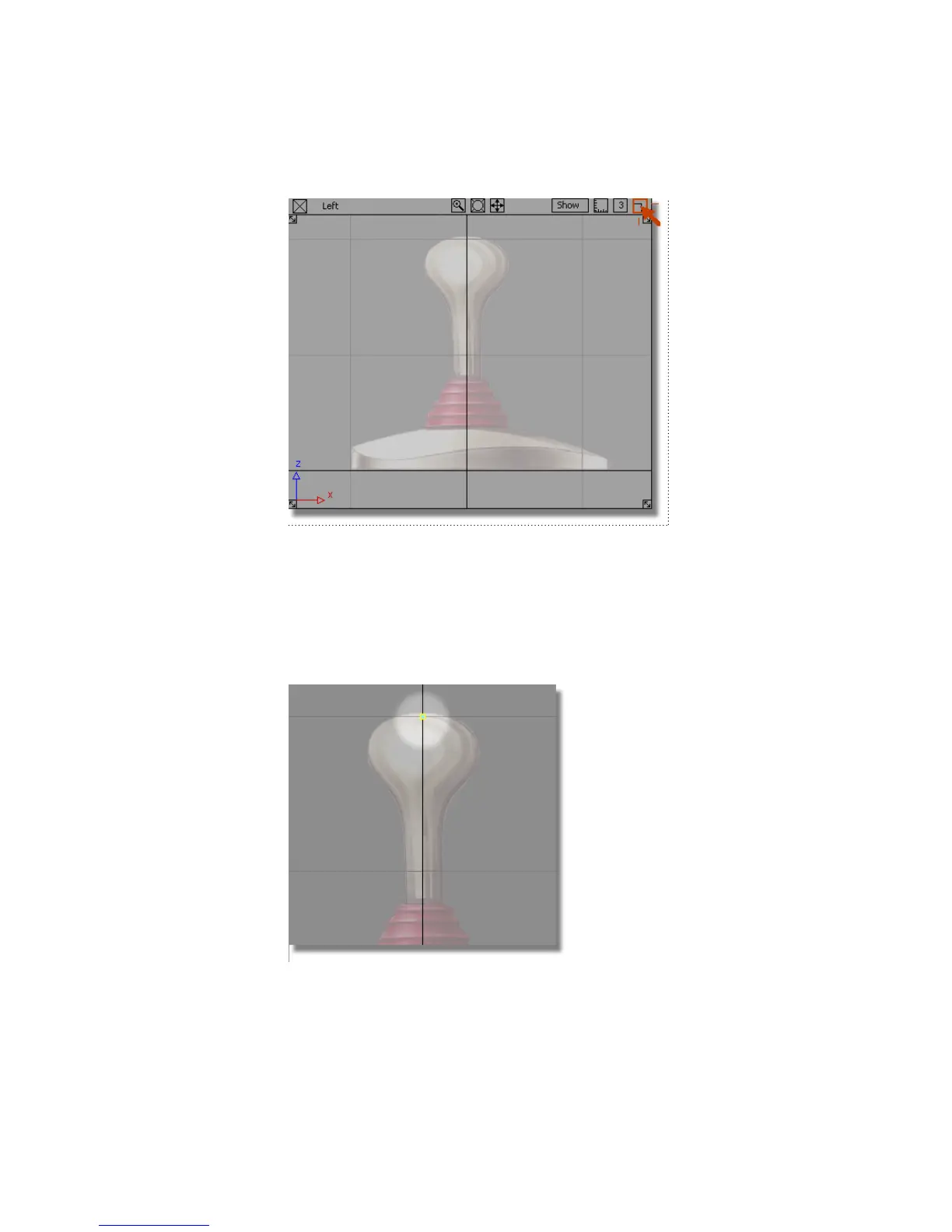
2 Choose Curves > New Curves > New CV Curve.
3 This tool allows you to create a curve by placing control vertices (CVs,
for short). CVs control the shape of a curve.
4 Hold down the Alt (Windows) or Command (Mac) key to turn on grid snap
mode, and click the left mouse button on the grid intersection at the top
of the handle.
160 | Chapter 5 Modeling a Joystick



 To Next Page