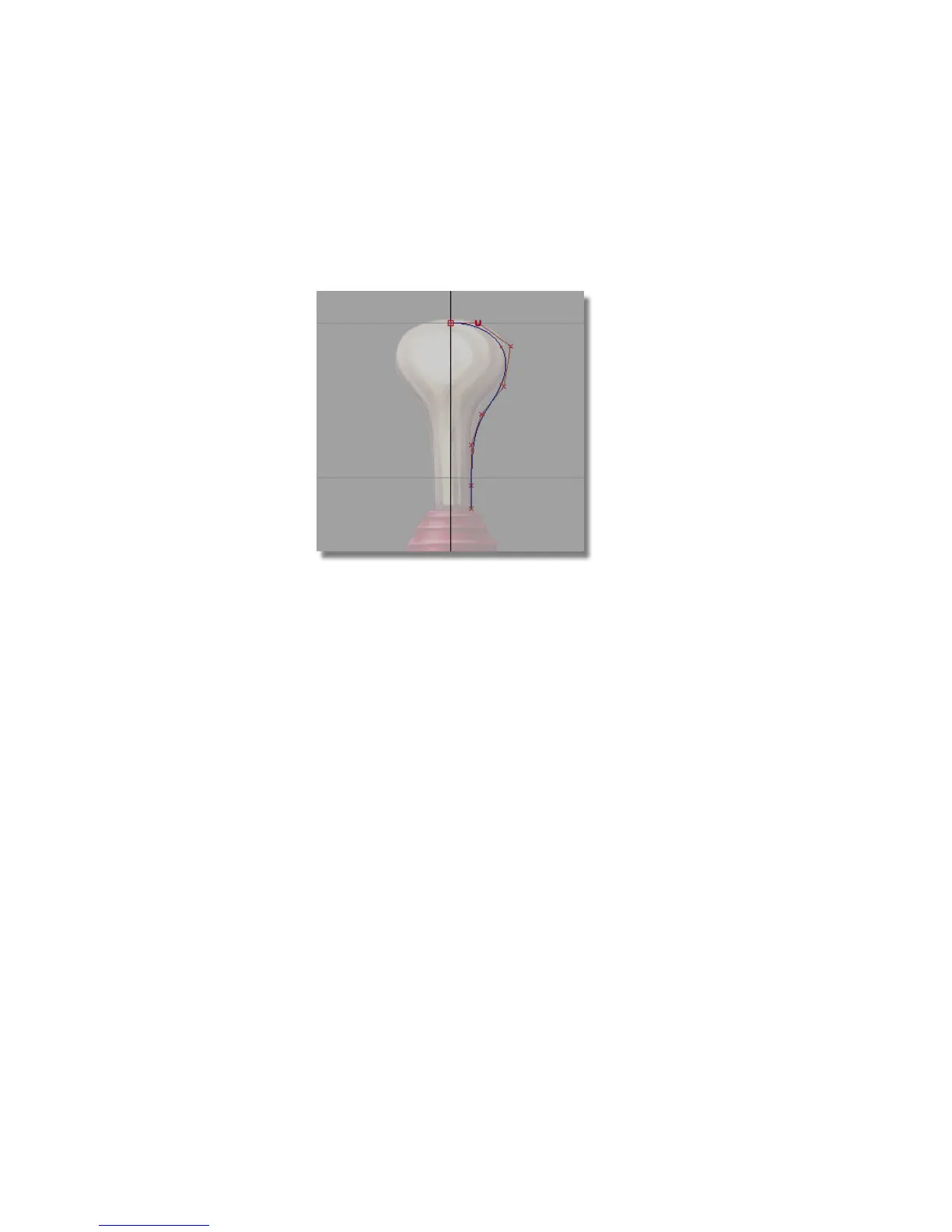
At this point, don’t worry about the shape of the curve. Later, you will
adjust the position of each CV to change the shape of the curve.
9 Continue to place four more CVs in the following positions to complete
the curve.
10 Choose Pick > Nothing to complete the curve and unpick it.
Editing the handle profile curve
Now, you will move CVs to edit the shape of the profile curve to match the
reference image.
1 Choose Pick > Point Types > CV .
2 Use the left mouse button to click the third CV or drag a pick box around
it.
Remember, CVs do not lie on the curve; they are located on the hull.
Part 1: Creating the Joystick Handle | 163



 To Next Page