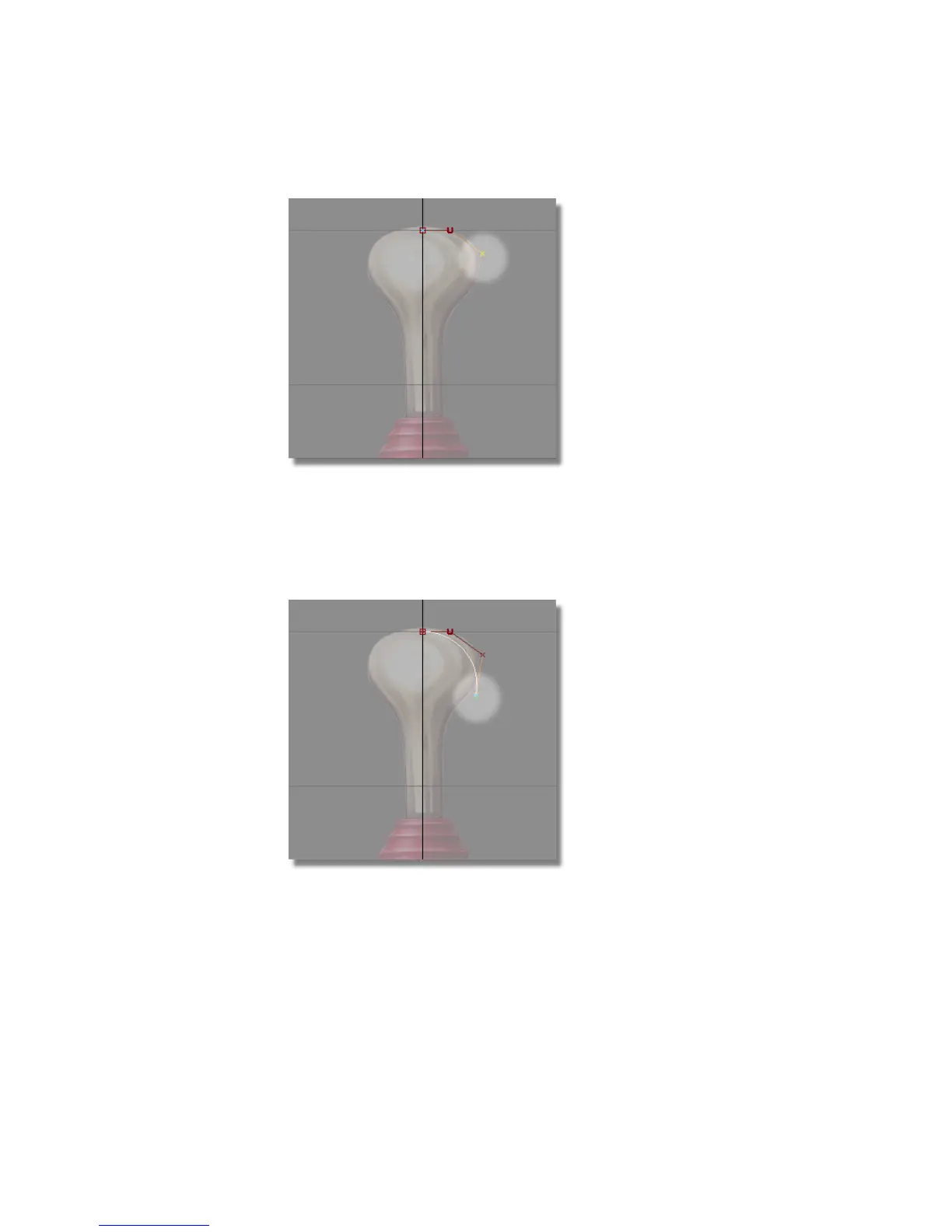
The third CV appears. This and all further CVs on the curve are displayed
as small crosses. The hull now consists of two red straight line segments
between the first, second and third CV.
8 Press and hold the left mouse button again to position the fourth CV along
the edge of the handle outline.
The fourth CV appears.
A white curve now connects the first CV and the fourth CV. The hull
now consists of three red straight line segments that connect all the CVs
together.
162 | Chapter 5 Modeling a Joystick



 To Next Page