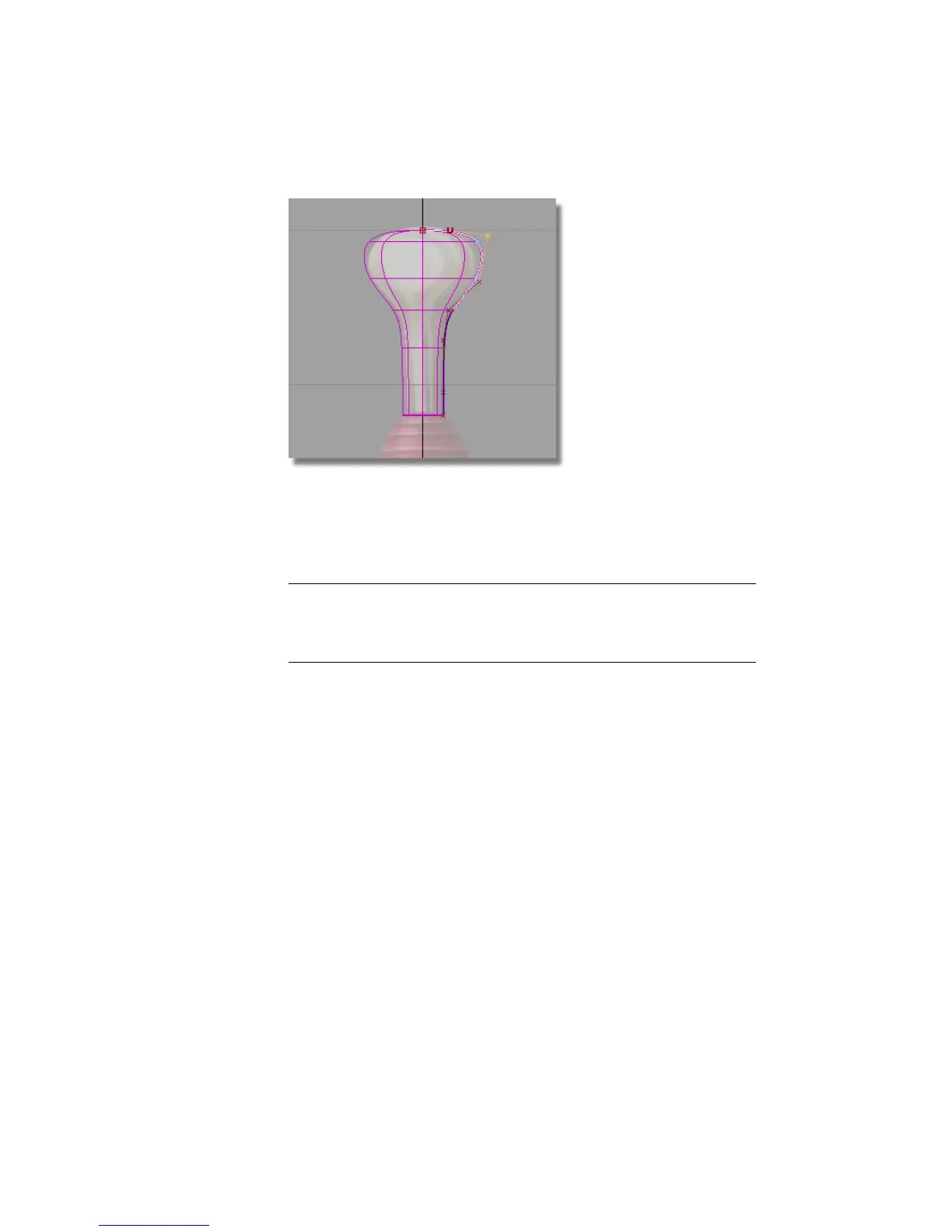
3 Choose the Edit > Undo tool, or the hotkey Ctrl + Z (Windows) or
Command + Z (Mac) to undo the move.
The surface is now complete, so next, you will turn off the CV display
for the curve.
TIP It is good practice to turn off the CVs for curves and surfaces, if you don’t
need to use them. This helps to reduce clutter on your screen and makes
your model easier to view. It is easy to turn the CVs back on if you need to
work with them.
On the Control Panel on the right of your screen is a Display section.
170 | Chapter 5 Modeling a Joystick



 To Next Page