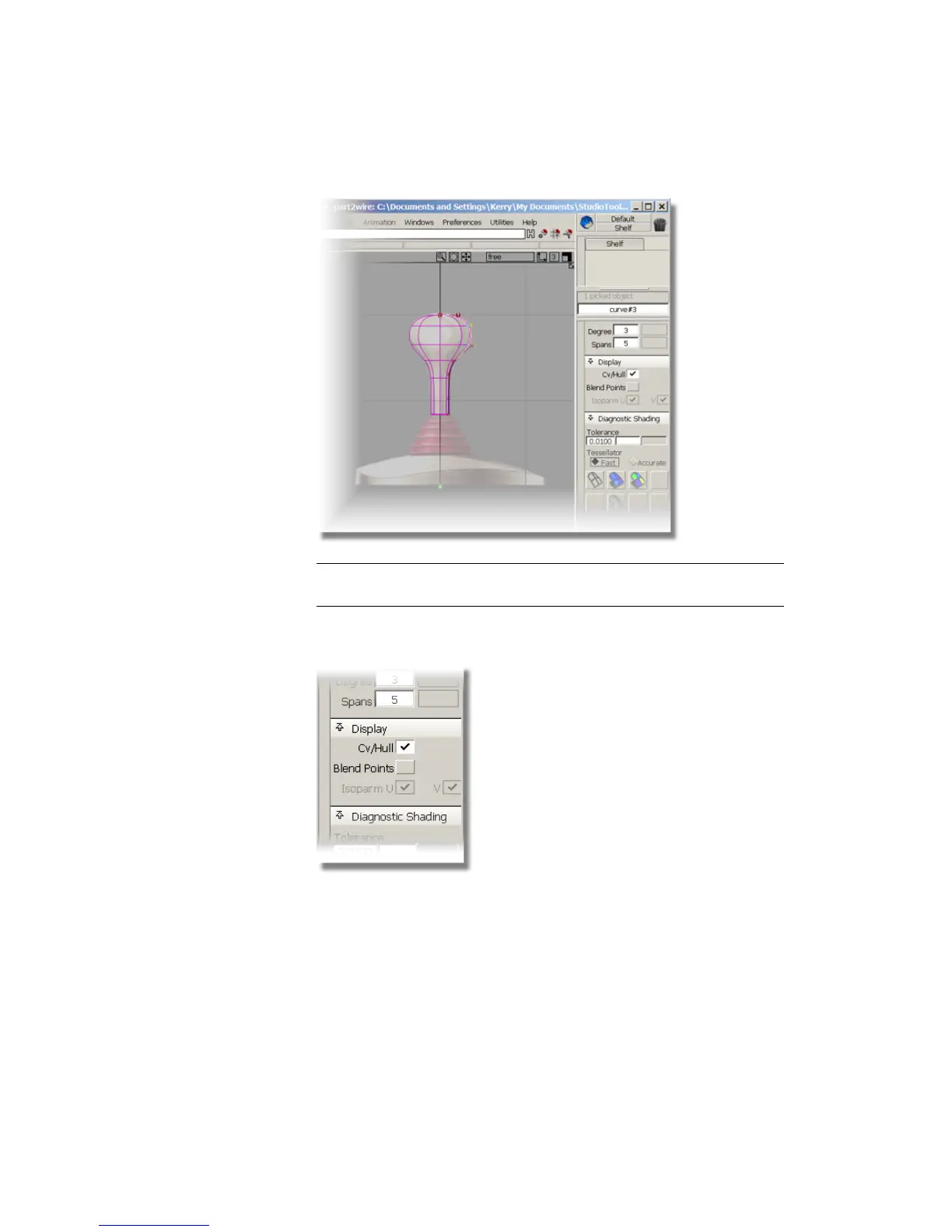
TIP If the Control Panel is not displayed, choose Windows > Control Panel
to make it visible.
In the Display section, the CV/Hull check box indicates that the CVs
and hulls are currently visible.
4 With the CV still selected, click the CV/Hull check box to remove CVs
from the curve display.
Part 1: Creating the Joystick Handle | 171



 To Next Page