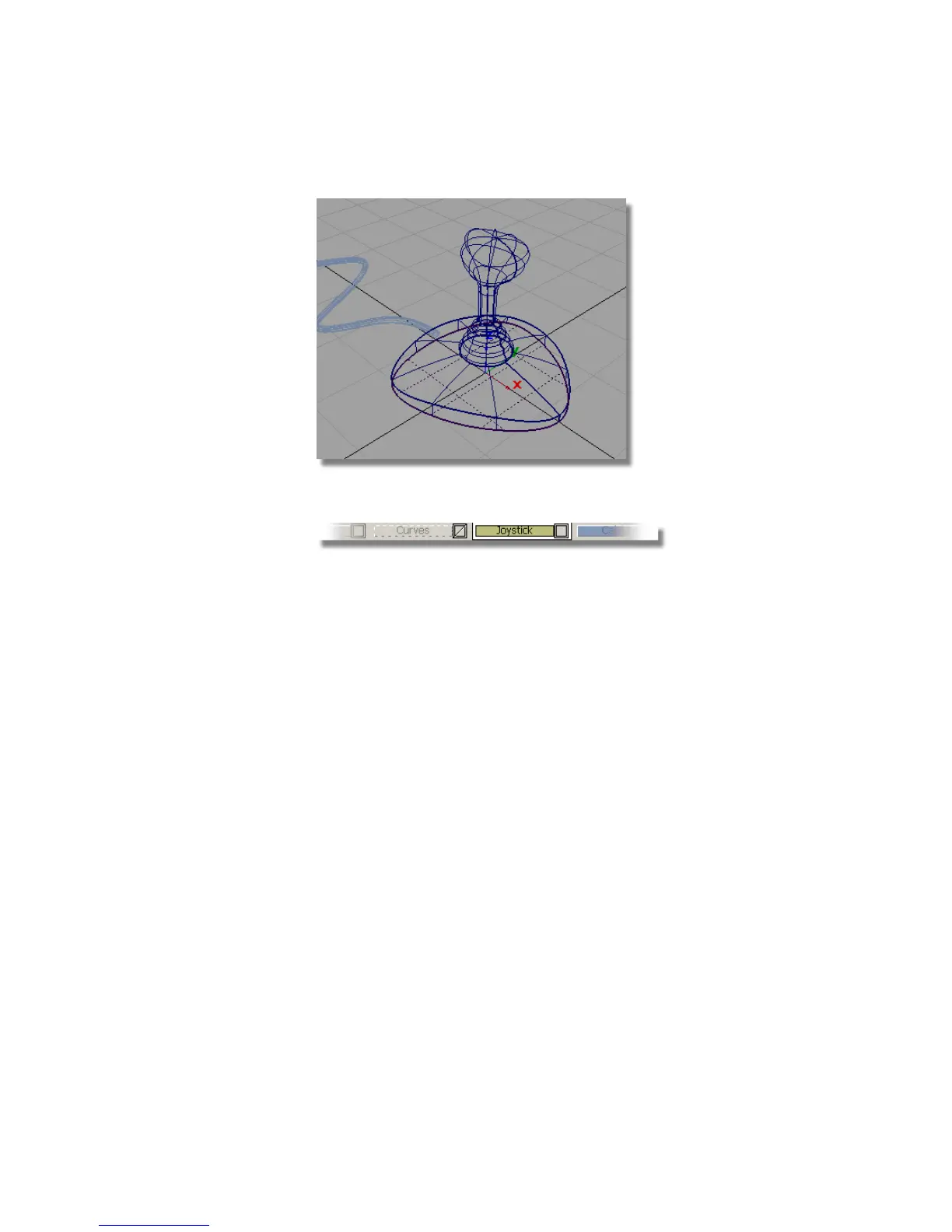
2 In the Layer Bar, click the Joystick layer to select it.
The layer is shown in yellow. This means that it is the active layer, and
any new curves or surfaces are placed on it.
3 Choose Surfaces > Primitives > Sphere .
4 Double click the icon to open the option box. You need to create a whole
sphere, so check that the sweep is set to 360 degrees.
Part 7: Creating the button | 259



 To Next Page