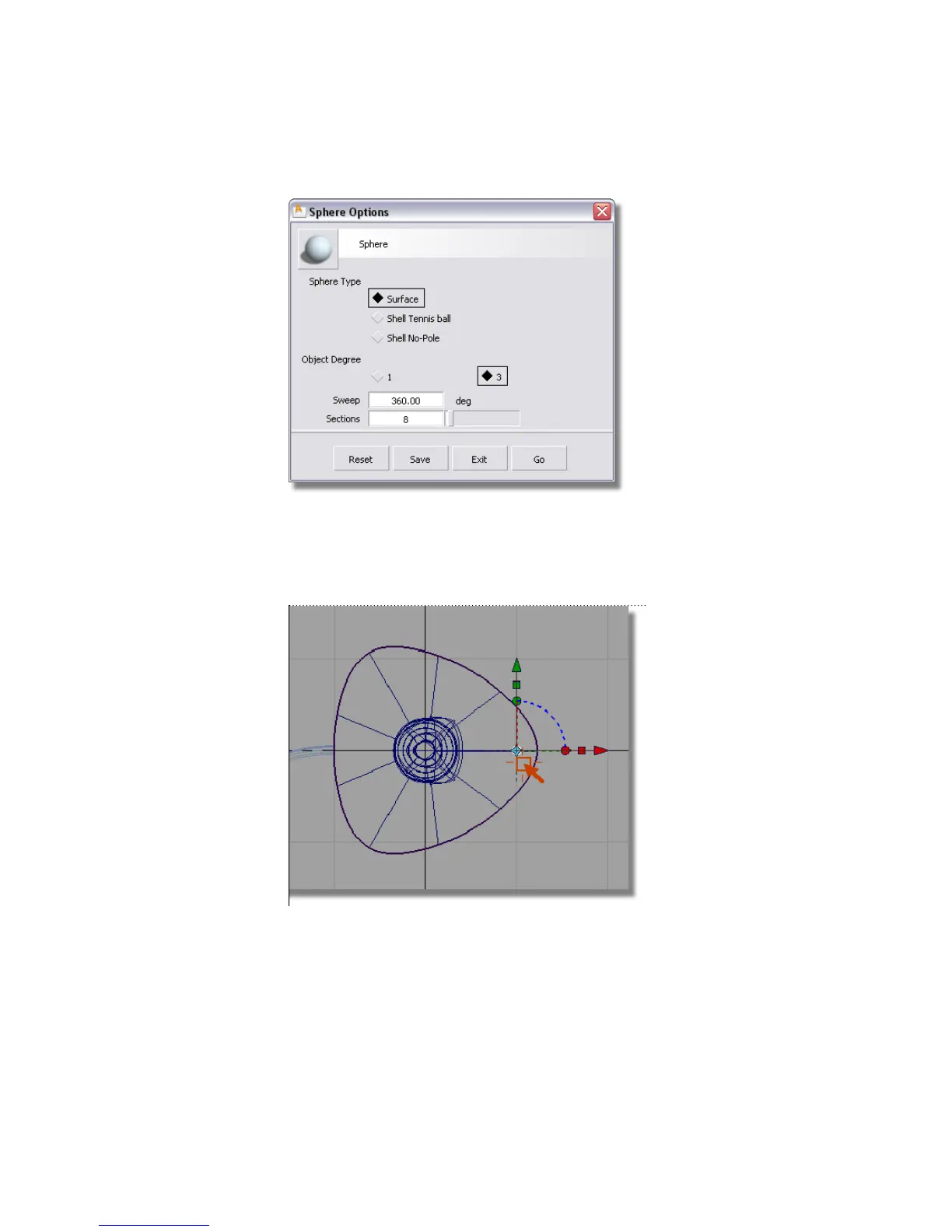
Click the Go button at the bottom of the sphere option box.
5 Hold down the Alt (Windows) or Command (Mac) key to turn on grid
snapping. Click near the grid intersection just inside the right-hand edge
of the base.
A small sphere is placed on the grid intersection.
6 Choose Transform > Move .
260 | Chapter 5 Modeling a Joystick



 To Next Page