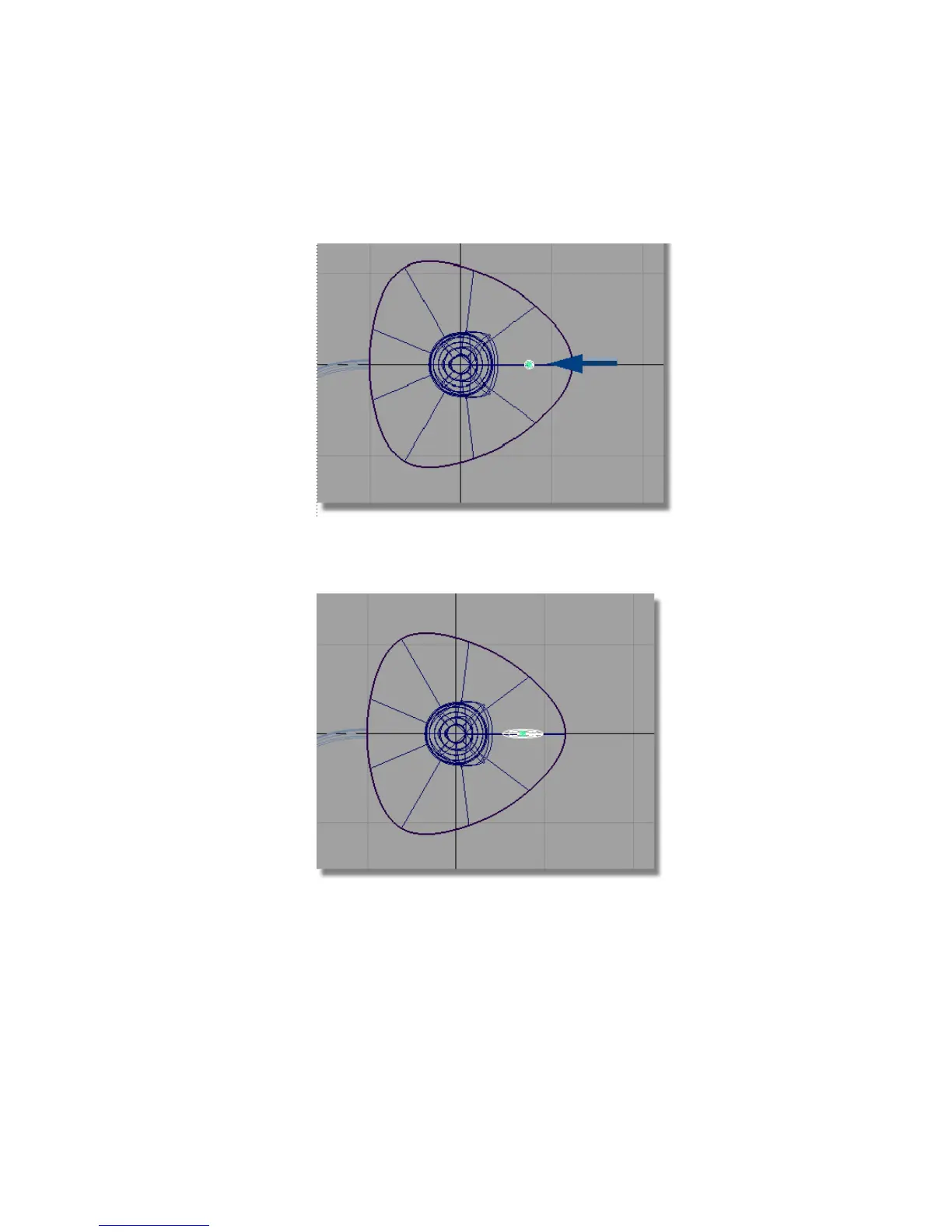
7 Click and drag the middle mouse button to move the sphere to half way
between the handle and the edge of the base.
8 Choose Transform > Non-p Scale .
9 Click and drag the middle mouse button to stretch the sphere sideways.
10 With Transform > Non-p Scale still selected, click and drag the right
mouse button to stretch the sphere upwards, making an oval shape for the
button.
Part 7: Creating the button | 261



 To Next Page