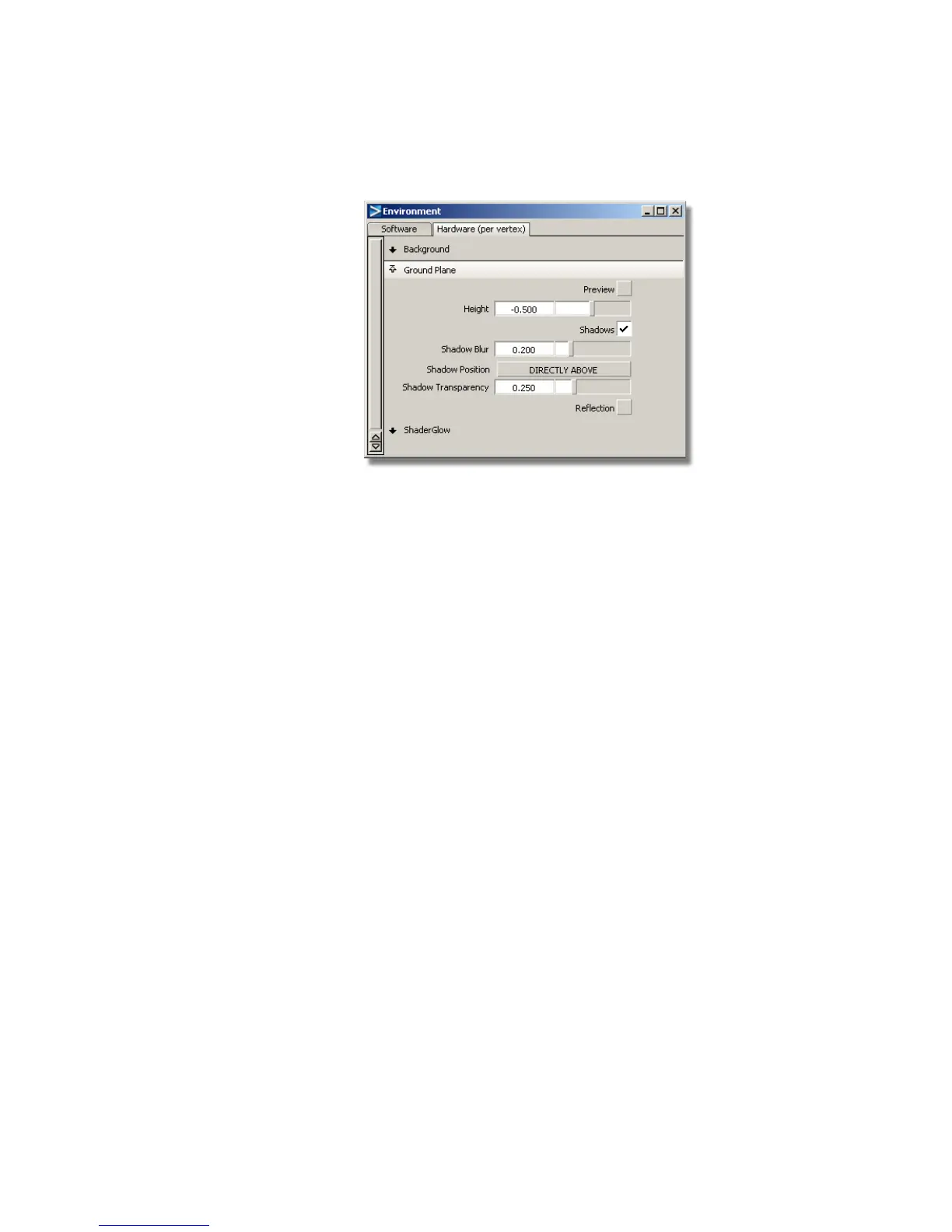
6 In the Environment window, set the following options:
■ Open the Ground Plane section by clicking the small arrow next
to it.
■ Set the plane Height. Type in -0.5 and press Enter (Windows) or Return
(Mac) to drop the shadow slightly below the base.
■ Ensure the Shadows box has a check mark so that shadows are turned
on.
A shadow appears underneath the joystick and cable.
■ Change the Shadow Position. Click and hold the left mouse button
on the Shadow Position menu, which is set to DIRECTLY ABOVE
by default. Choose 45 DEGREES RIGHT and release the mouse
button.
268 | Chapter 5 Modeling a Joystick



 To Next Page