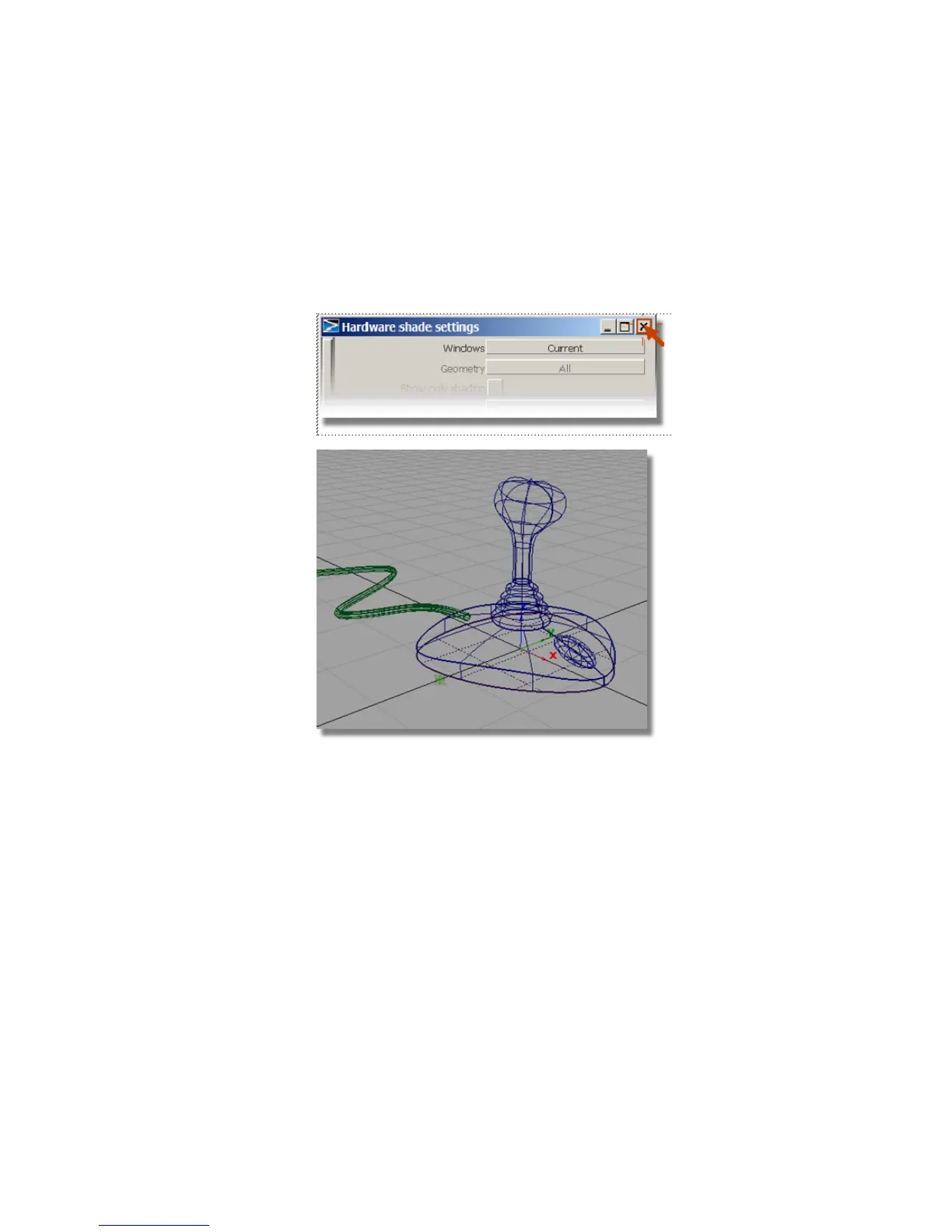
10 Select Show > Model, Show > Grid and Show > Lights once more
from the window’s title bar to bring back the check marks.
The scene returns to a wireframe view with grid and lights.
11 Close the Hardware shade settings option box by clicking the cross
in the top right corner.
Now that the Hardware Shade is set up, you don’t need to go into the
option box the next time you want to shade the model. Just choose
WindowDisplay > Hardware Shade to toggle the shading on or off.
Save your work
1 Choose File > Save As to save the current scene.
2 Save your work in the wire directory of the Lessons project.
3 Name your file myjoystick8.wire.
Part 8: Visualizing the Model | 271



 To Next Page