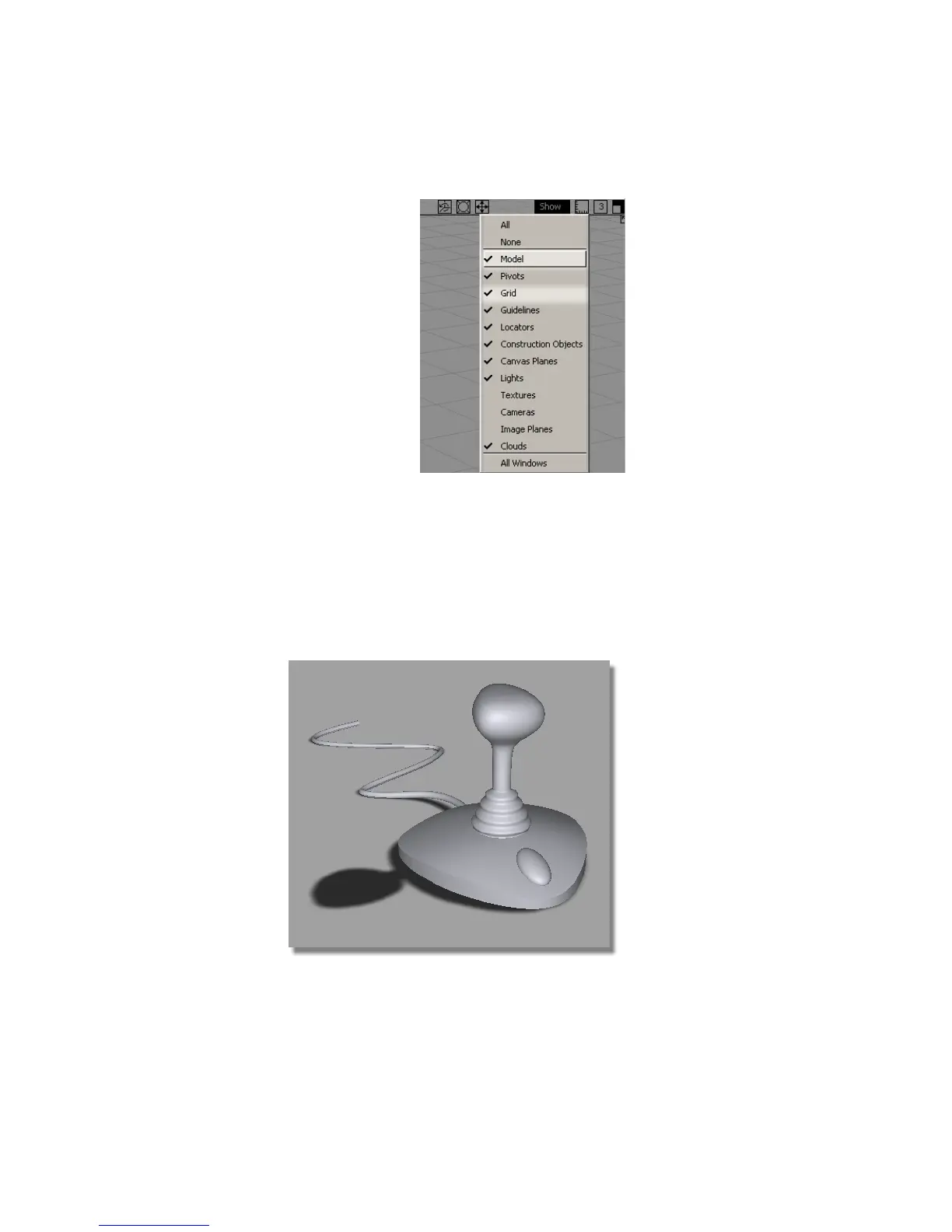
8 In the title bar of the modeling window, click the Show button to open
up the menu and select Grid (to remove the check mark). The grid lines
are turned off.
9 In the title bar of the modeling window, click the Show button to open
up the menu and select Lights (to remove the check mark). The light
icons disppear.
The joystick design is displayed in shaded mode, with no model lines,
grid lines, or lights showing.
270 | Chapter 5 Modeling a Joystick



 To Next Page