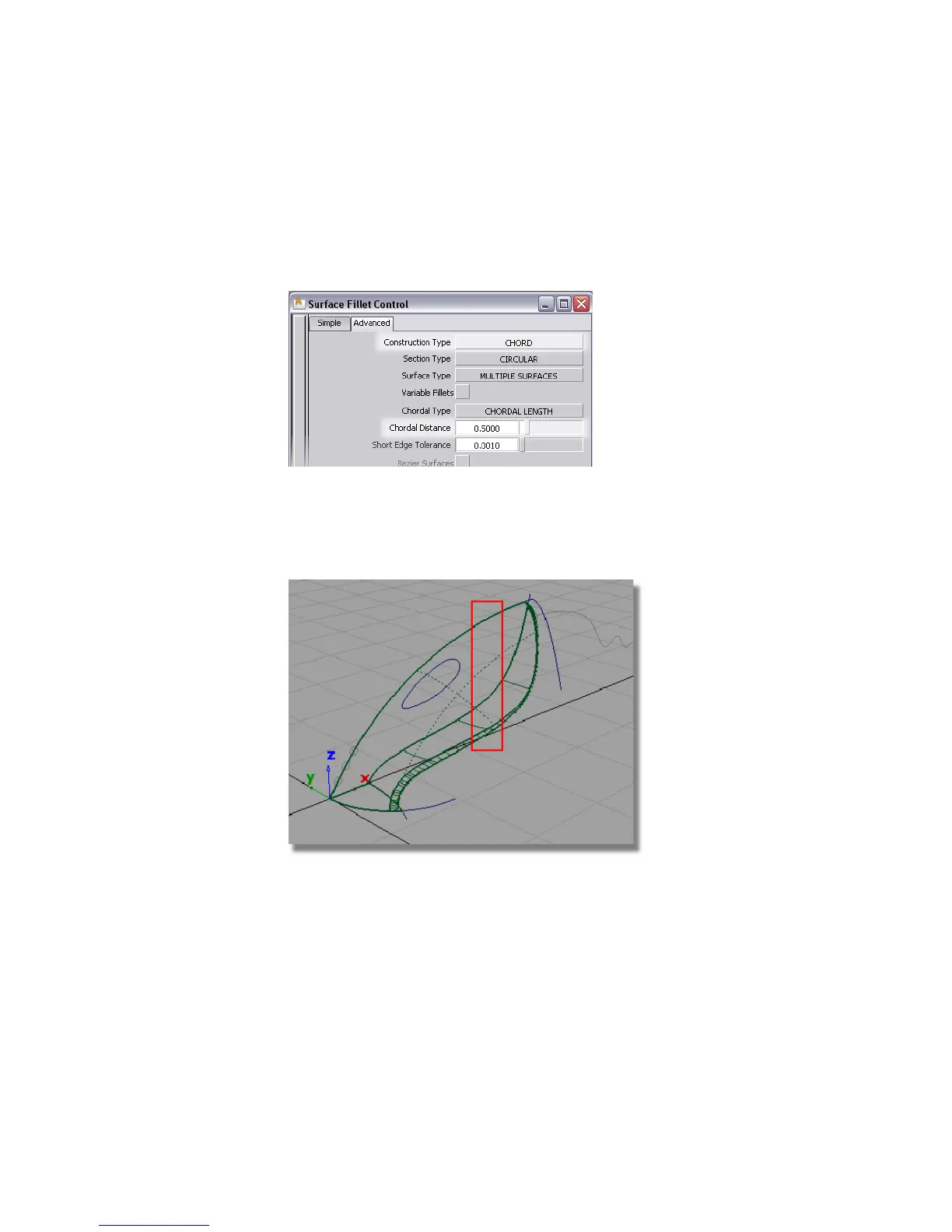
Choose CHORD from the pull-down menu to select a constant width
fillet.
4 Only a small fillet is required around the nozzle, so set Chordal Distance
to 0.5.
Close the Surface Fillet option box.
You are prompted to select the first set of surfaces.
5 Drag a pick box around the upper, lower and fillet surfaces, avoiding the
planar surface.
All three surfaces are selected and highlighted in pink, and an Accept
button appears in the bottom right corner of the view.
318 | Chapter 6 Modeling a Vacuum Cleaner



 To Next Page