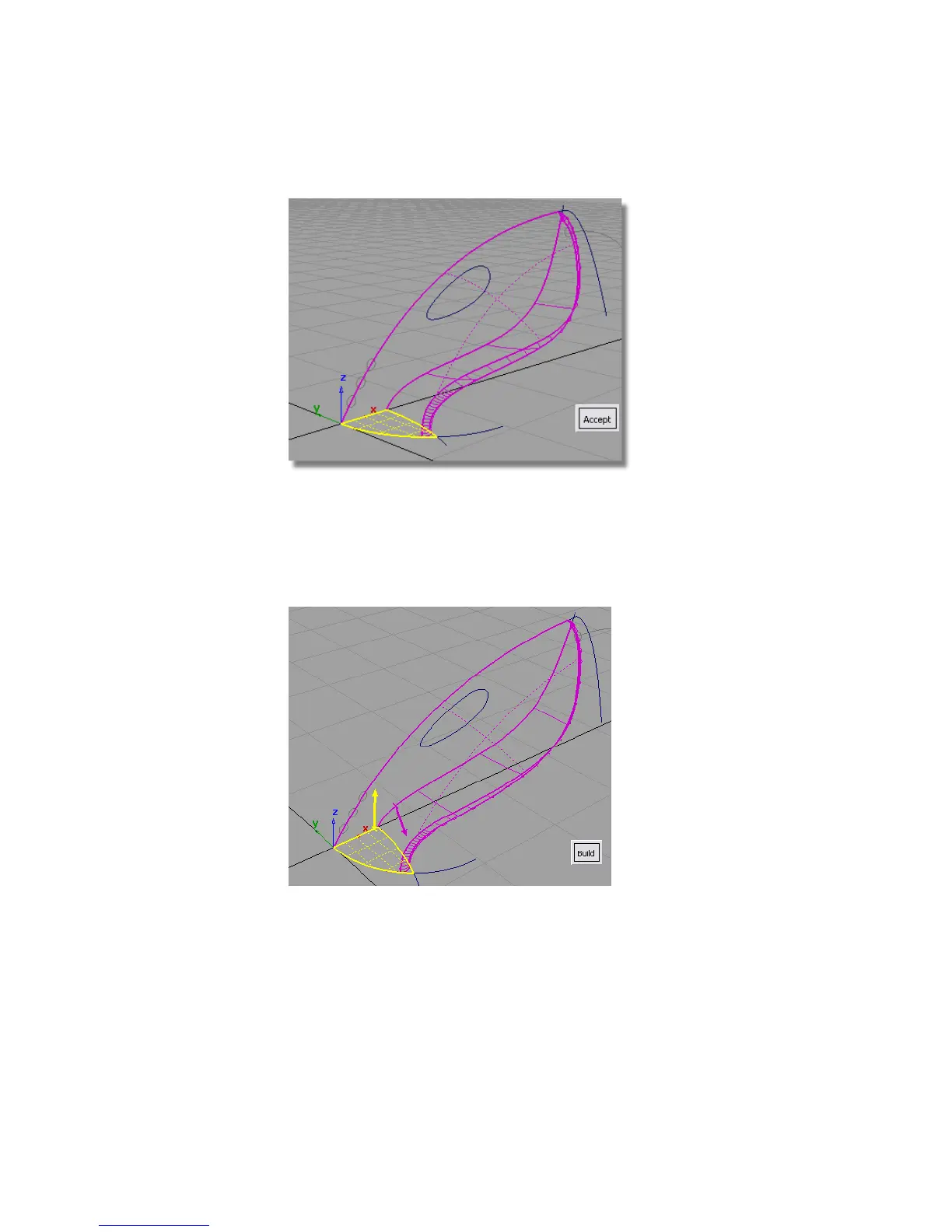
The surface is selected and highlighted in yellow, and an Accept button
appears in the bottom right corner of the view.
8 Click Accept to select the second surface for filleting.
Arrows appear on both sets of surfaces, indicating on which side of the
surfaces the fillet will be built.
The pink arrow needs to point in towards the inside of the vacuum body.
If it is pointing out of the surface, click the arrow to reverse it.
320 | Chapter 6 Modeling a Vacuum Cleaner



 To Next Page