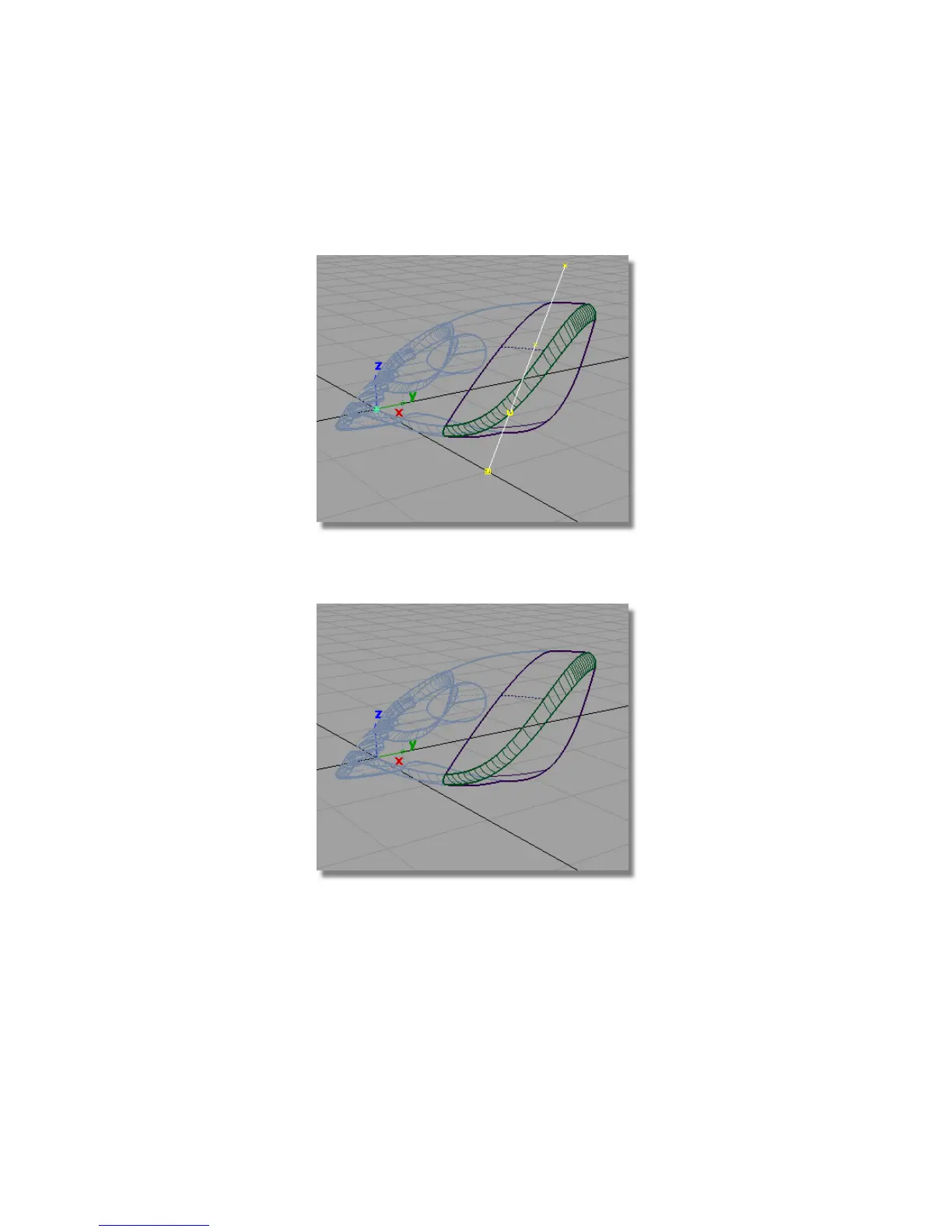
The surfaces are trimmed.
12 Choose Pick > Object and select the curve.
13 Choose Delete > Delete Active , or press the Delete key on the keyboard
to delete the curve.
You have trimmed out a part of the vacuum design that can now be used
to create the dust bag and cable connector.
Part 7: Dust Bag and Cable Connector | 377



 To Next Page