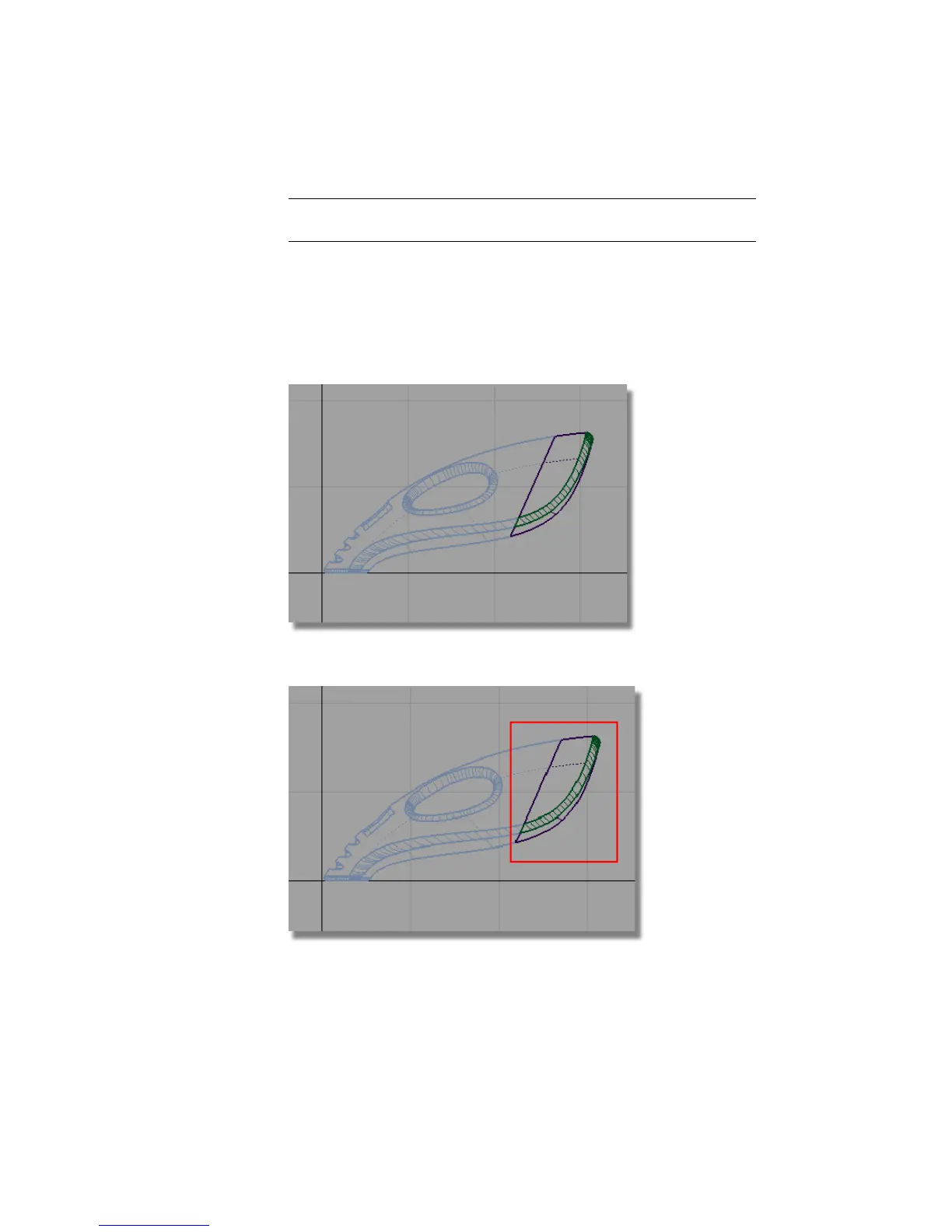
NOTE The original body surfaces are unchanged, and are shown on the
invisible (pale blue) layer.
Scaling the dust bag and connector
Next, you will group the surfaces together so that they can be scaled and
positioned to complete the design of the dustbag.
1 Choose Layouts > Left to switch to the Left view.
2 Choose Pick > Object and drag a pick box around all the surfaces.
378 | Chapter 6 Modeling a Vacuum Cleaner



 To Next Page