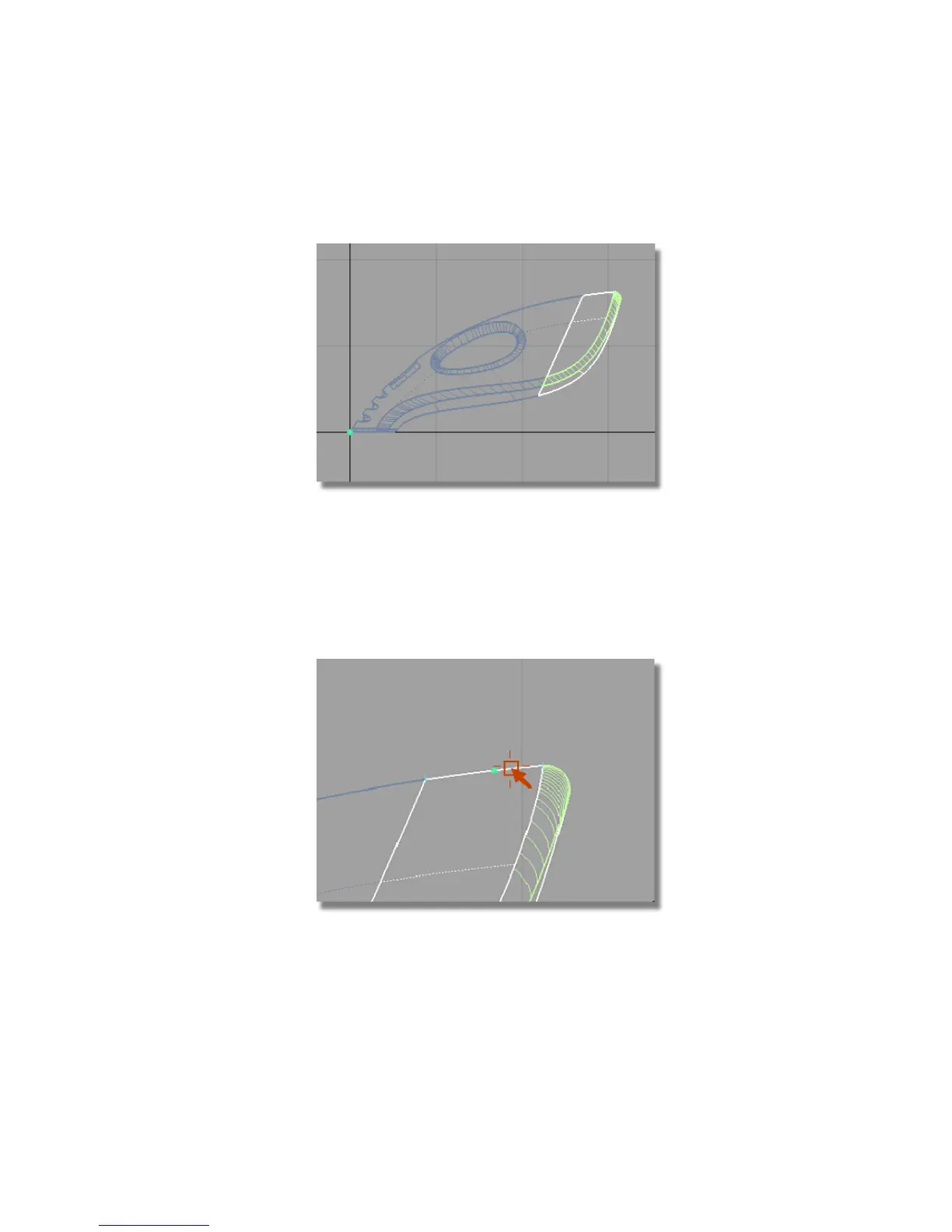
3 Choose Edit > Group . The surfaces are now grouped with a single pivot
point, placed at the origin.
Next, you will move the pivot point to the end of the surfaces using curve
snapping. The pivot point will be used to control the scaling of the
surfaces.
4 With the group still selected, choose Transform > Local > Set Pivot . Hold
down the Ctrl and Alt (Windows) or Control and Command (Mac) keys to
turn on curve snapping. Point the cursor exactly on the top edge of the
upper surface. (You may need to zoom in to view the area in more detail.)
Click and hold the left mouse button and drag it to the pale blue cross at
the right end of the surface to position the pivot point.
Part 7: Dust Bag and Cable Connector | 379



 To Next Page