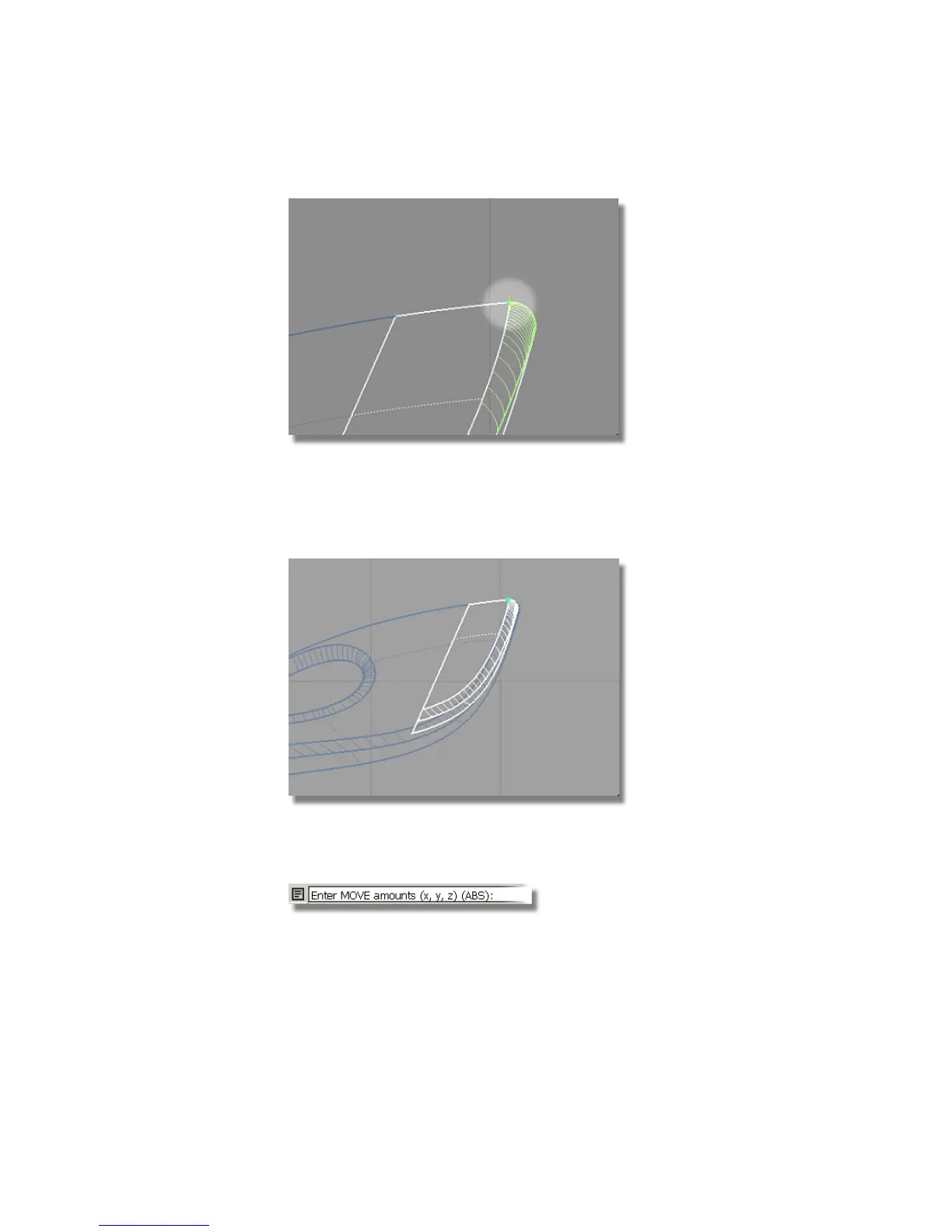
The pivot point jumps to the end of the surface edge.
5 Choose Transform > Scale and type in a value of 0.85 to shrink the
surfaces. A dialog box appears asking whether you want to delete the
construction history for the surfaces. Click Yes.
The surfaces are scaled smaller to form the dustbag.
6 Choose Transform > Move . You are prompted to enter the move amounts.
The prompt line displays (ABS) to indicate absolute mode. In absolute
mode, coordinates that are typed in will be measured from the origin.
380 | Chapter 6 Modeling a Vacuum Cleaner



 To Next Page