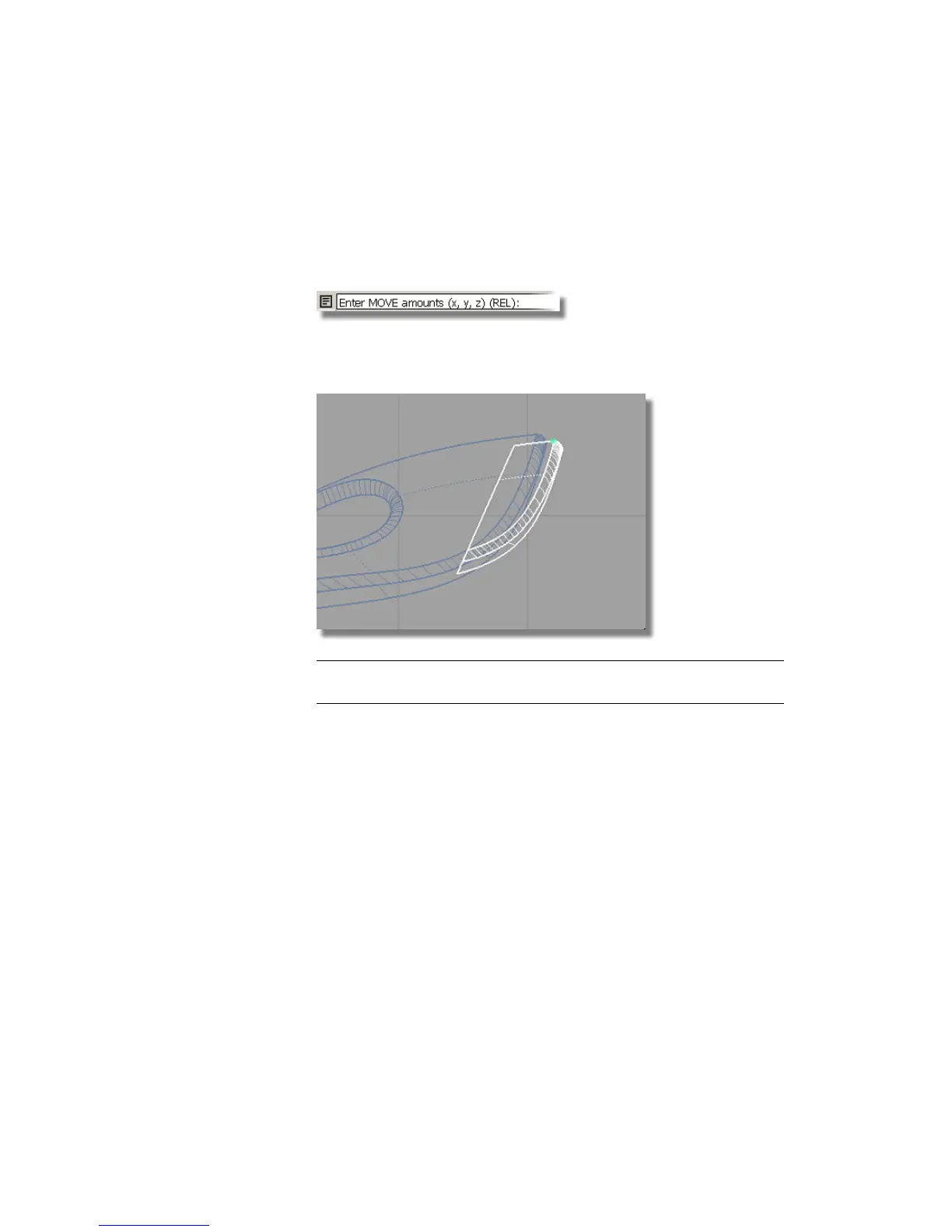
As the dustbag only needs to be moved slightly from its current position,
you will switch to relative dimensioning, so the coordinate values will
move the surfaces relative to their current position.
7 Type r and press Enter (Windows) or Return (Mac).
8 Type 1.25,0,-0.5 and press Enter (Windows) or Return (Mac) to move the
dust bag 1.25 cm in x and -0.5 cm in z.
NOTE The x,y,z values can be typed in with either a space or a comma
separating the numbers.
The dustbag is now in position.
Creating the cable connector
The cable connector component is created in the same way.
1 With the dustbag still selected, choose Edit > Copy followed by Edit >
Paste .
Part 7: Dust Bag and Cable Connector | 381



 To Next Page